Making the U.o.M. Snowglobe Model – A Guide to ‘Chemi-Wood’ Block Modelling

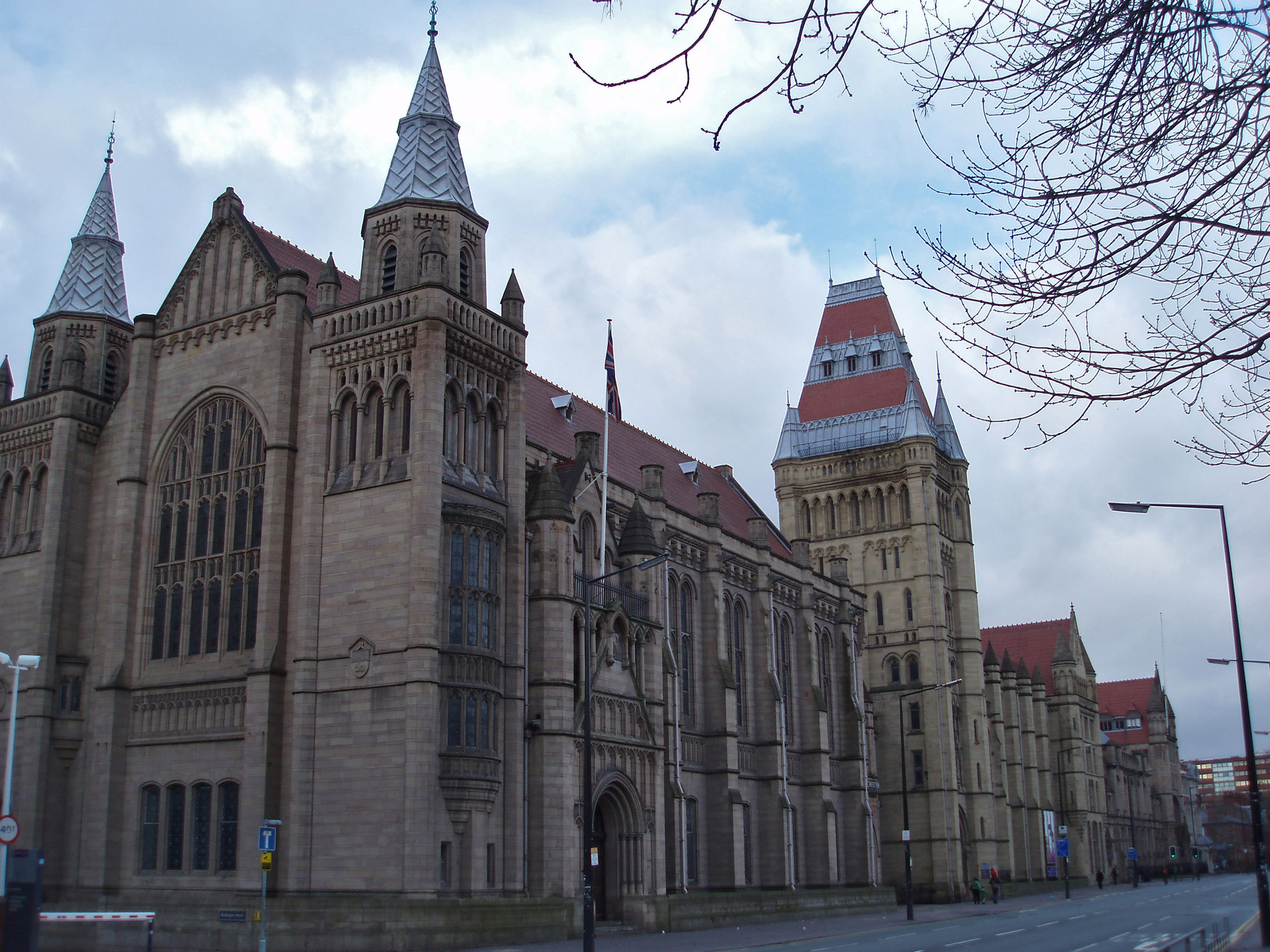
Exterior of Manchester UniversityThis project was given to me from the University estates department who were wanting a representation of the University of Manchester’s Whitworth hall and tower that make up the Oxford road side of the old quadrangle complex. The model would then be used in a snow globe for a Digital Christmas Card sent out across the University.

As the project required the model to be waterproof I decided it would be a good opportunity to record the process of using Ureol, commonly known as Chemi-Wood or Model Board.

Whilst in this case I am using Chemi-Wood as the main material, the methods used are applicable to any kind of massing representation – this one having perhaps more detail than normally required due to its purpose.

Here is my step by step record of the process undertaken for around 5 hours over a period of a week when ever I found any time! I have included my rough sketches and thought process description to help understand how I chose to tackle the difference aspects of this representation.


Planning

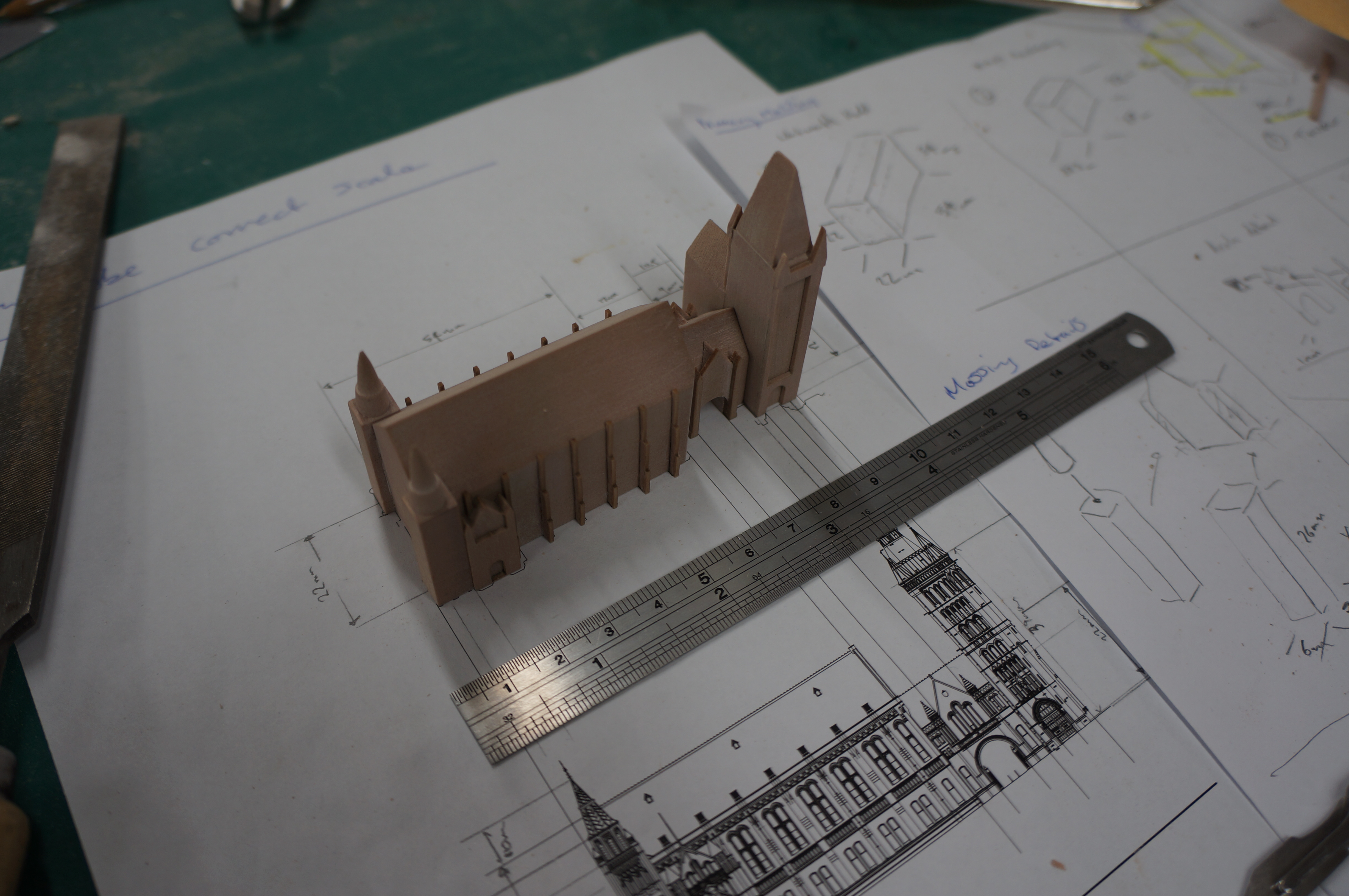
The model had to be a maximum of 100mm long to allow it to fit within a snow globe. Firstly I scaled the CAD Drawings based on the required size and printed a plan and elevation to directly reference the model components as building each one. Having an accurate plan to work to is essential. Always check and double check it is printed to the correct scale.

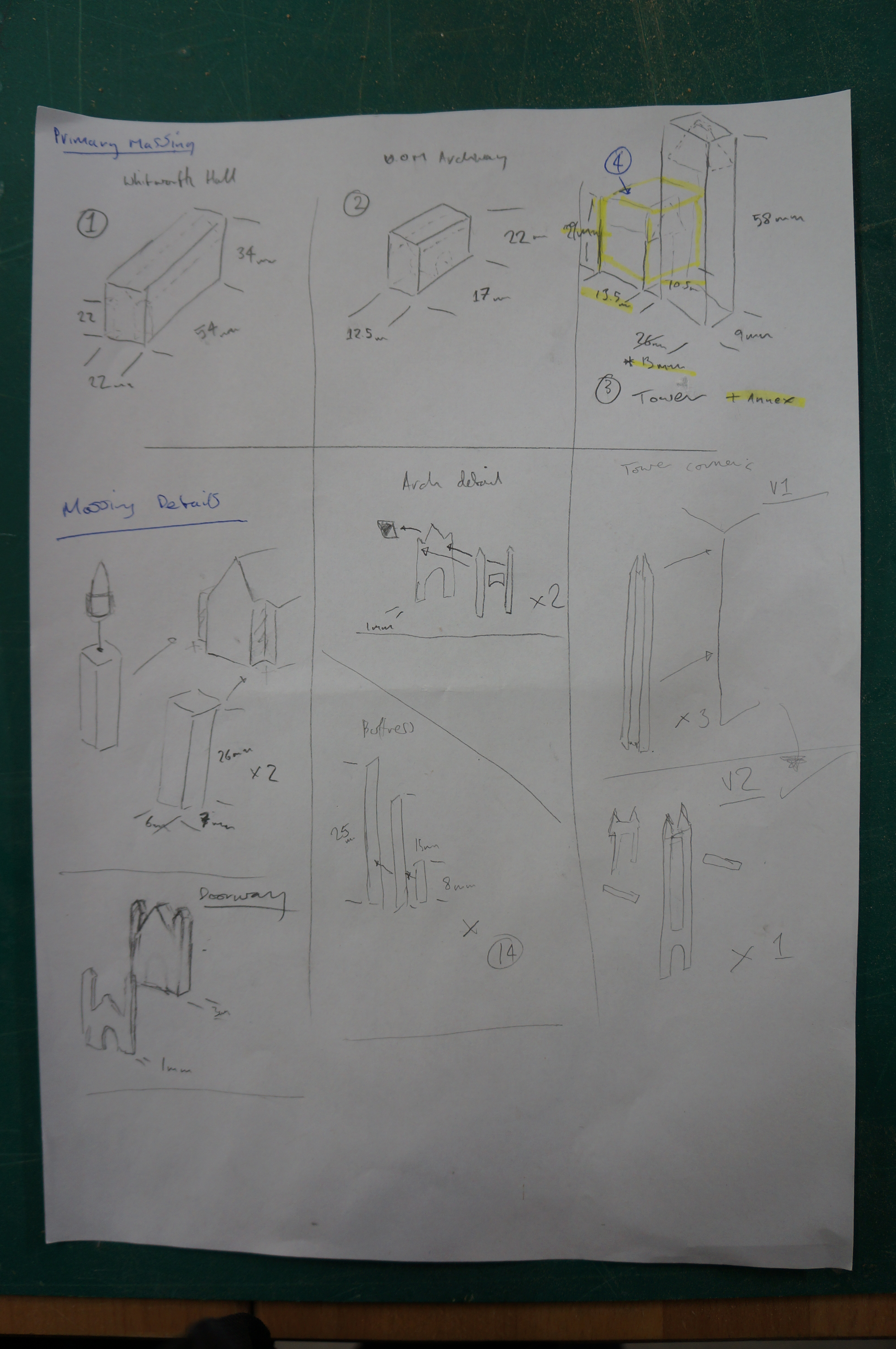
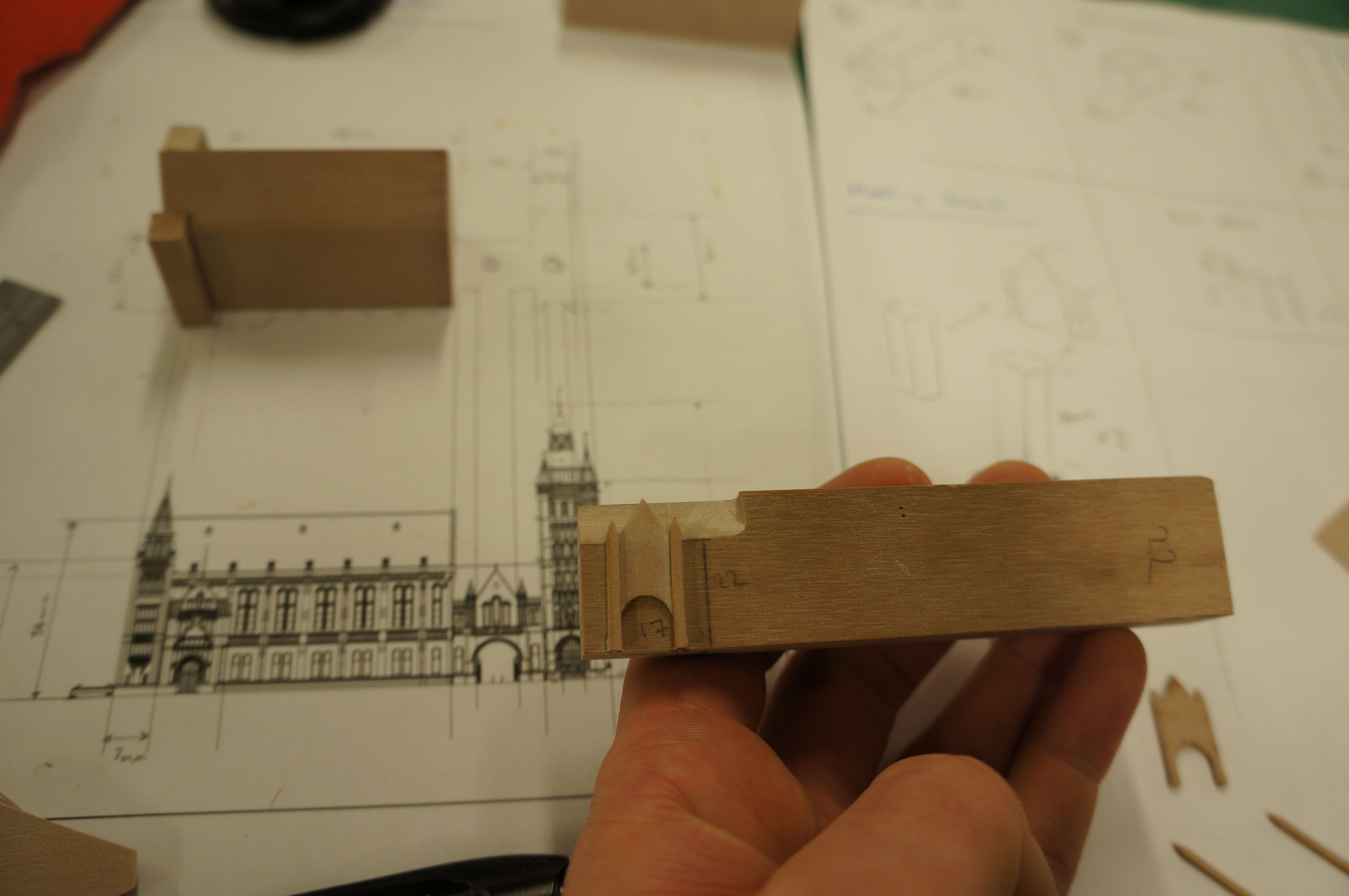
DSC05143With the printed plans as a guide I began dividing the model into components to be massed out, thinking in my head and in turn on paper about any pitches or areas that may need to be removed later.

By identifying commonly sized components, or close to the same size you can then best determine how to cut your material to avoid waste. In this case the height and width of two components happened to be the same so I started by cutting a piece at 22mm wide.

DSC05145


Primary Massing
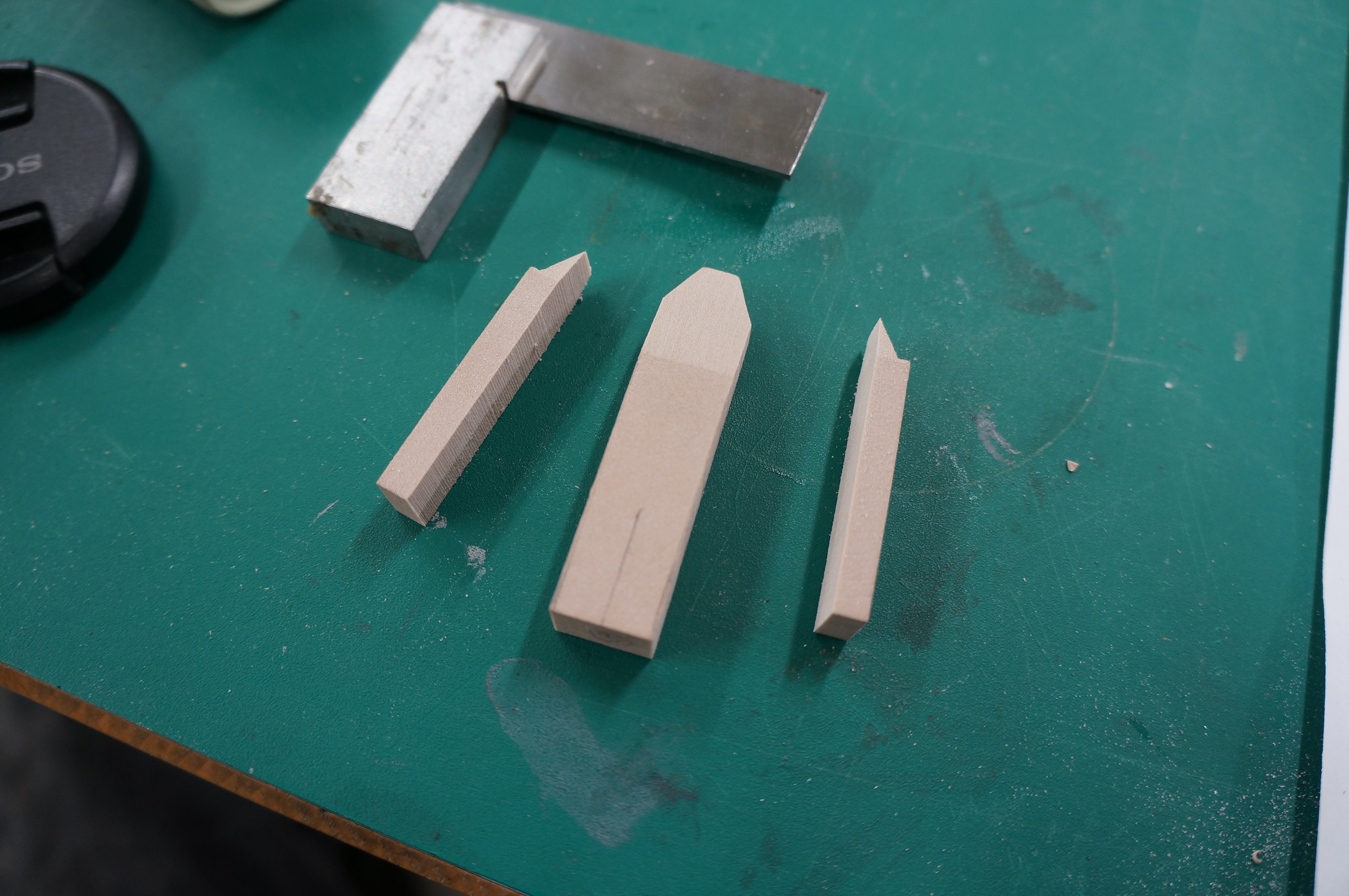
Cutting a block at 22mm width gave me a thin sheet off-cut which will come in handy later. Always keep hold of thin strips like this as they prove very useful when making add on details.
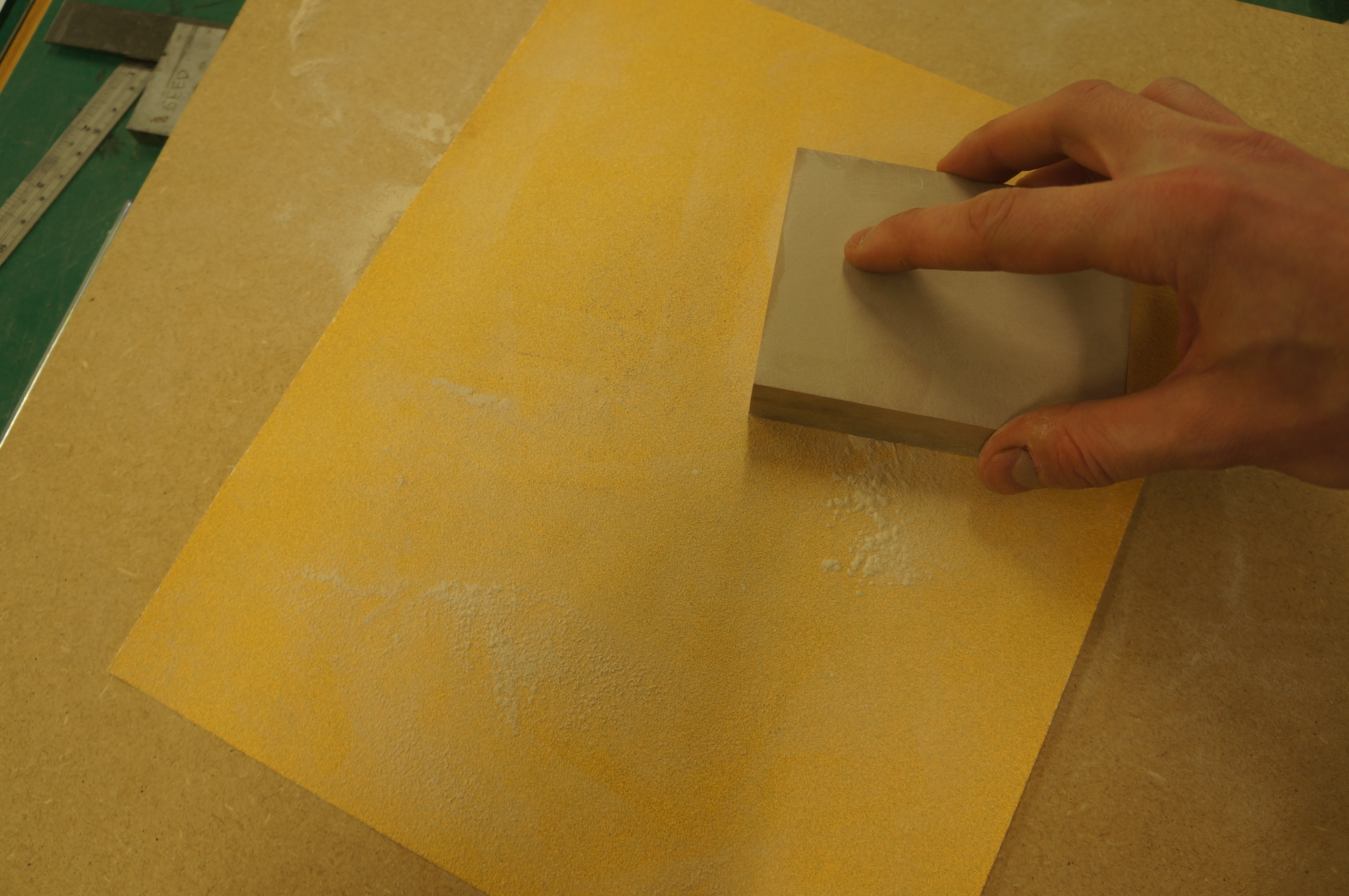
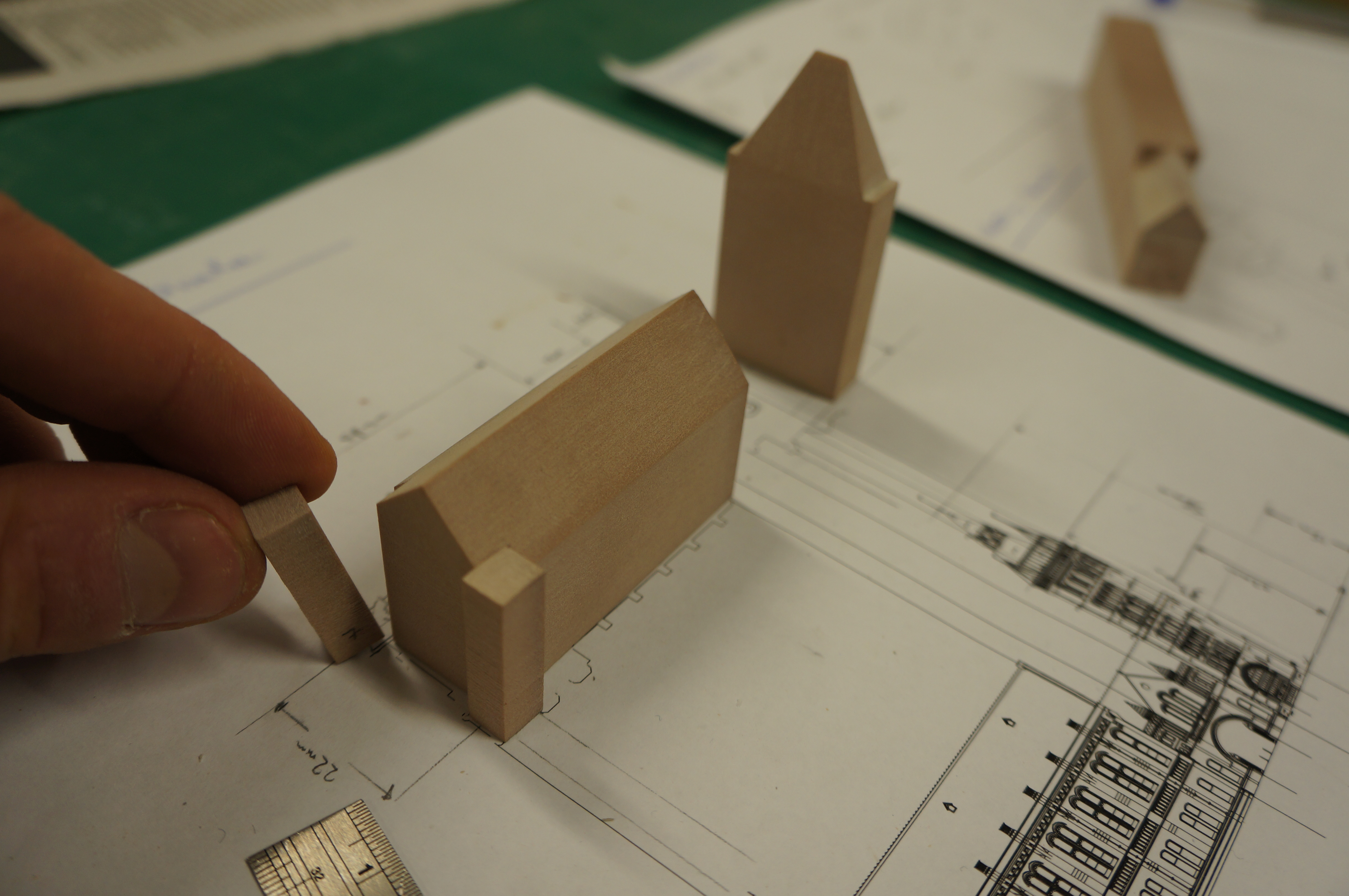
DSC05146 By putting a piece of sandpaper on a flat board we can easily sand the sawn face of a piece of material to flatten off any saw marks. With chemi-wood in particular this is very straight forward and gives a smooth clean finish. Taking the time to remove saw marks at each stage of production will save time in the long run and helps to keeps the resulting components looking crisp.

DSC05153


Creating a pitched roof

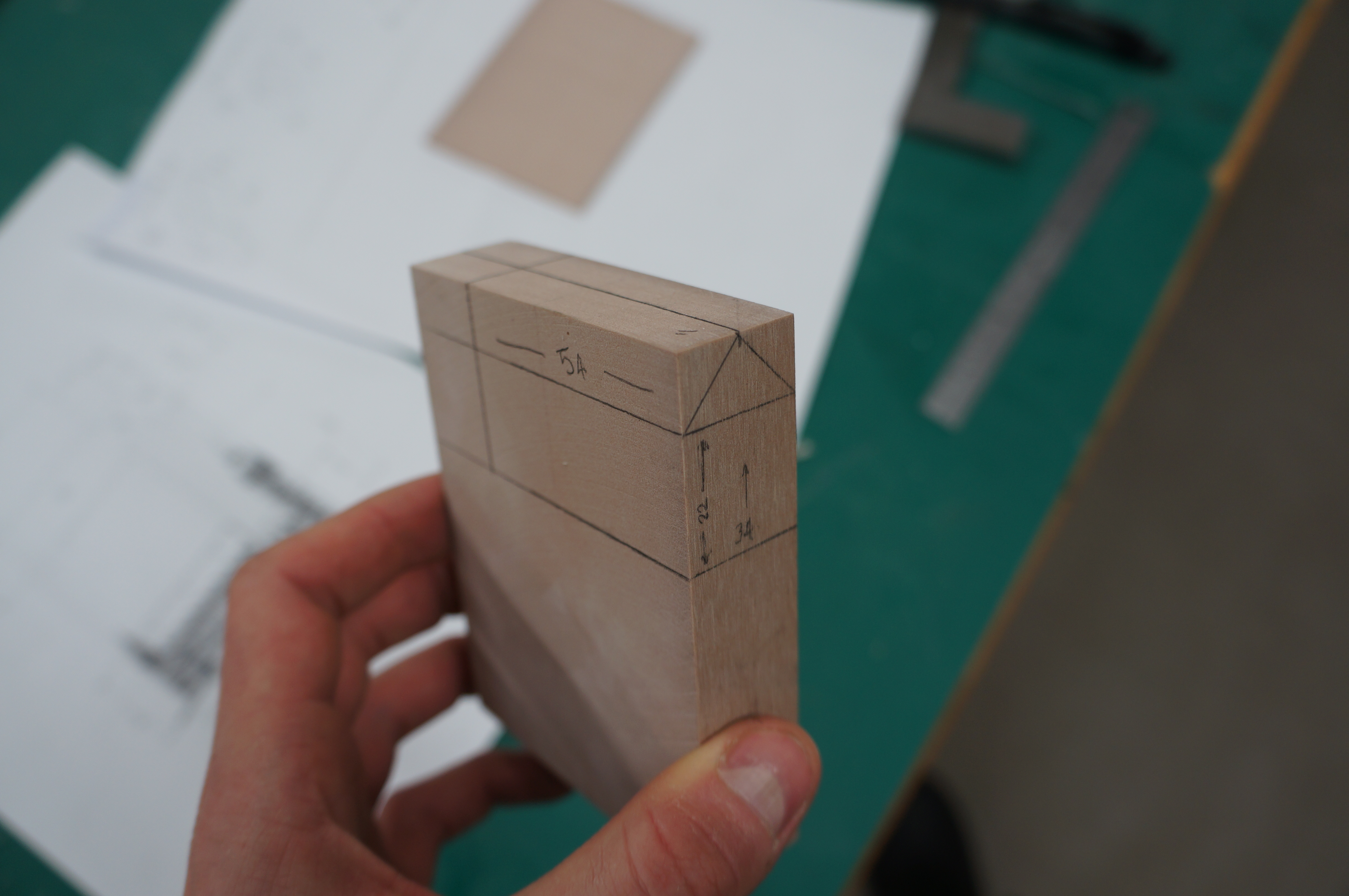
Accurately marking on guides when creating a pitch is recommended as without them we can only presume the machines are set accurately which, given the number of people who use our workshop, is often doubtful!
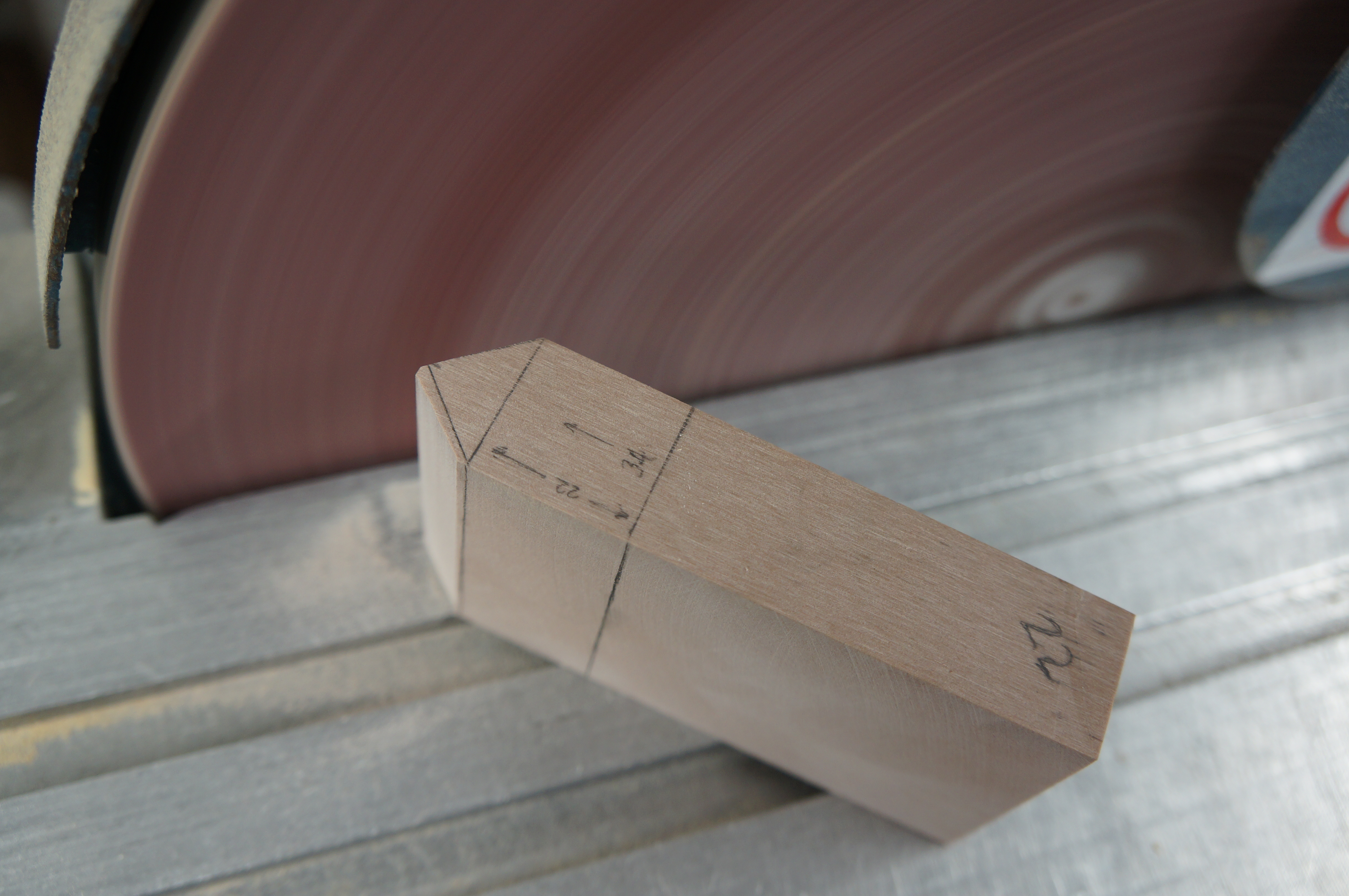
DSC05155 DSC05156 Once the piece has been cut to the required length it can then be sanded down using the disc sander, in this case removing the minimal amount of material on the edge to create the pitch as marked. Blocks with larger areas to be removed should be cut down closer to the marked line before sanding to avoid burning out the sanding discs and creating excessive force on the machine. Note that I have marked the pitch at the end of the piece to ensure there is enough material to hold on to whilst sanding reducing risk of injury. Always check your marked guide lines as you go.

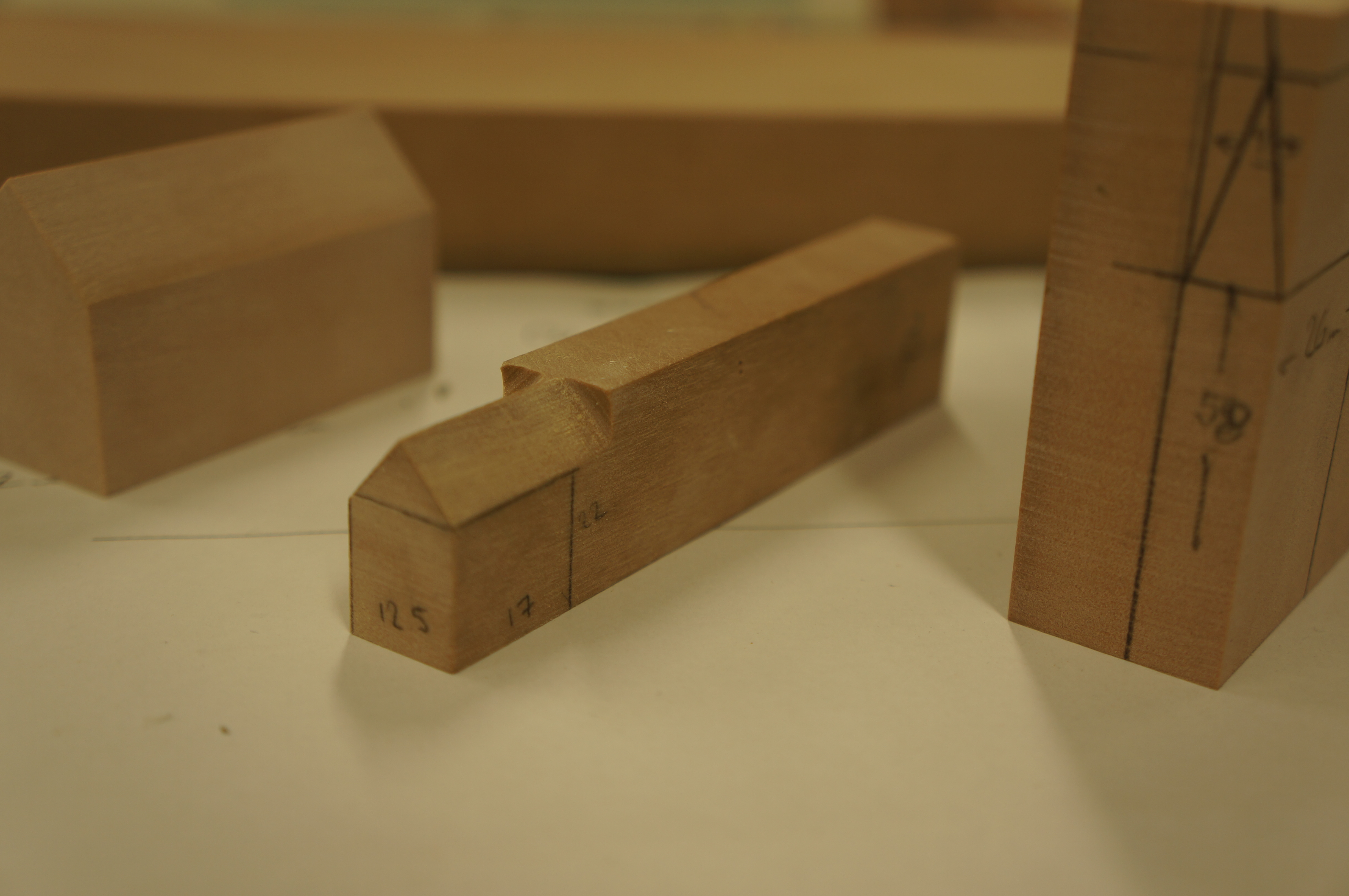
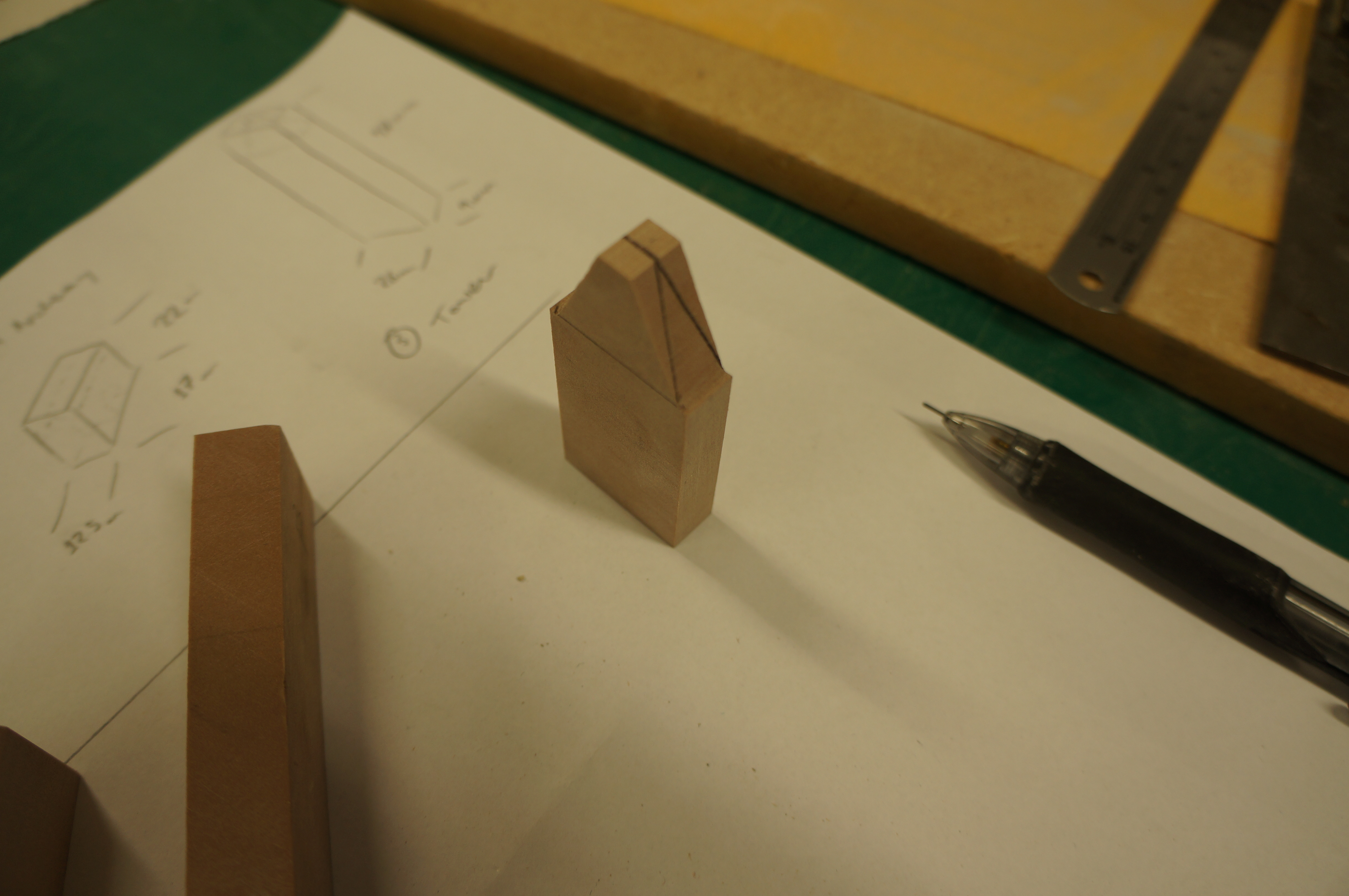
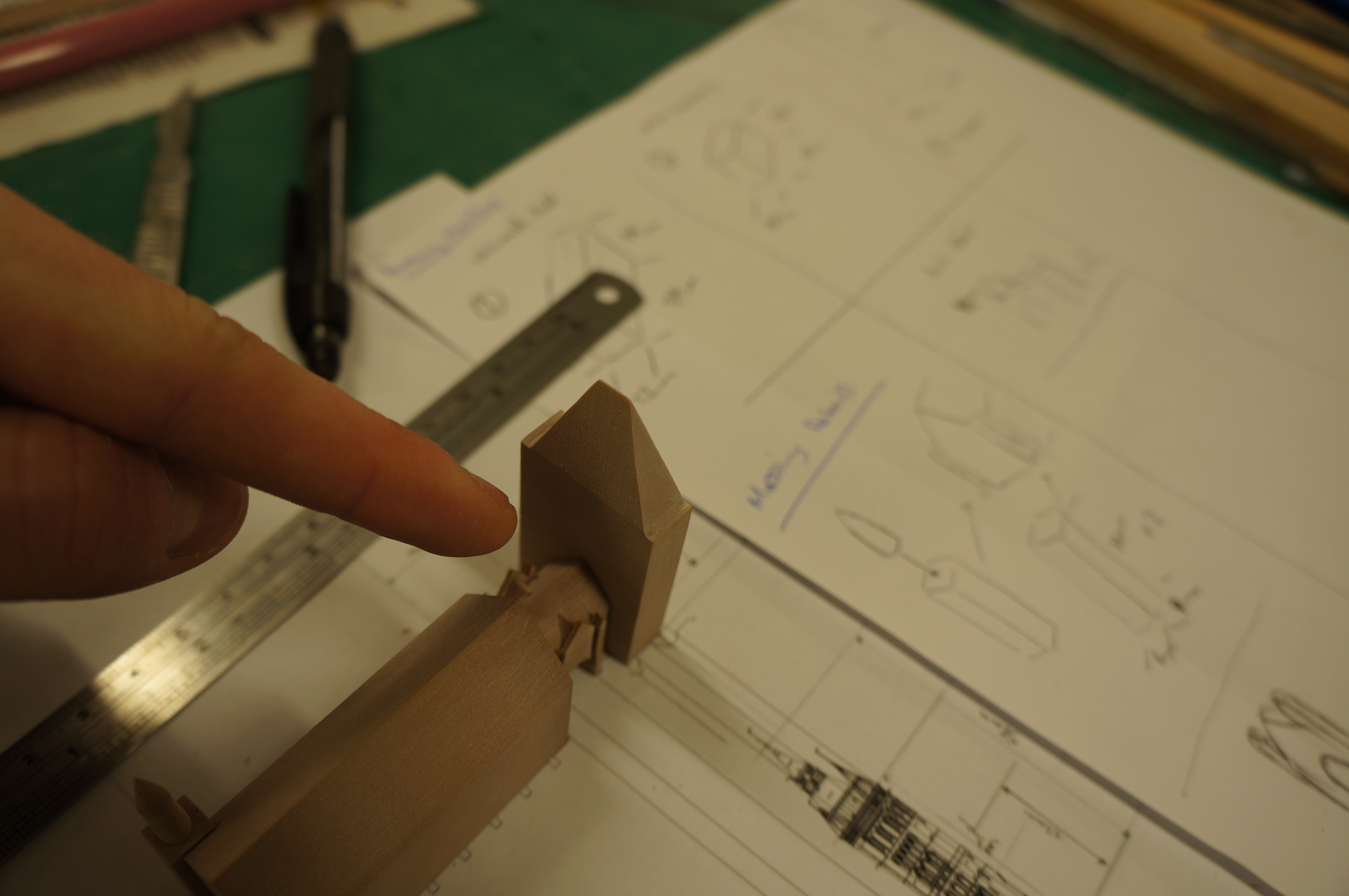
DSC05163Once the pitch is complete the piece can be removed from the block. DSC05168Smaller components that require pitches can sometime be achieved as part of a bigger block using the end of a longer strip of material as shown below. Again this was created using the disk sander and clear marking as a guide. For now this piece will remain attached until the massing detail has been added.  DSC05182The tower section was measured out from the plan and two-stage pitch added. This photograph shows the second pitch marked out ready to be sanded.

DSC05189


Massing Details

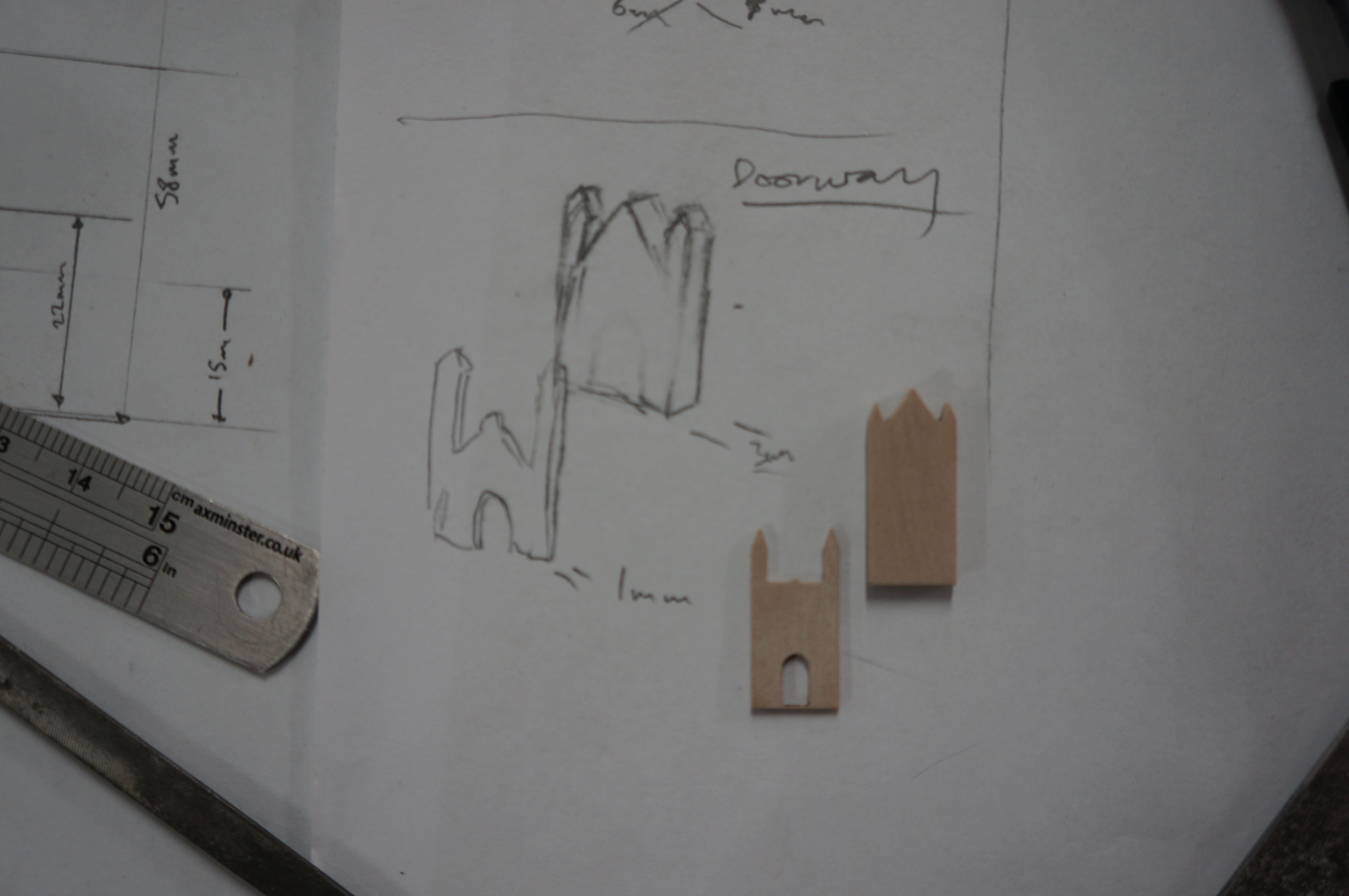
The second phase of the model is to establish what details need to be added to take the blocks to a more familiar form. As with all models a level of detail needs to be established across all components. In this case the archway and repeated buttress’s are of notable presence and so provided the basis for the other relief details as sketched below.

DSC05292

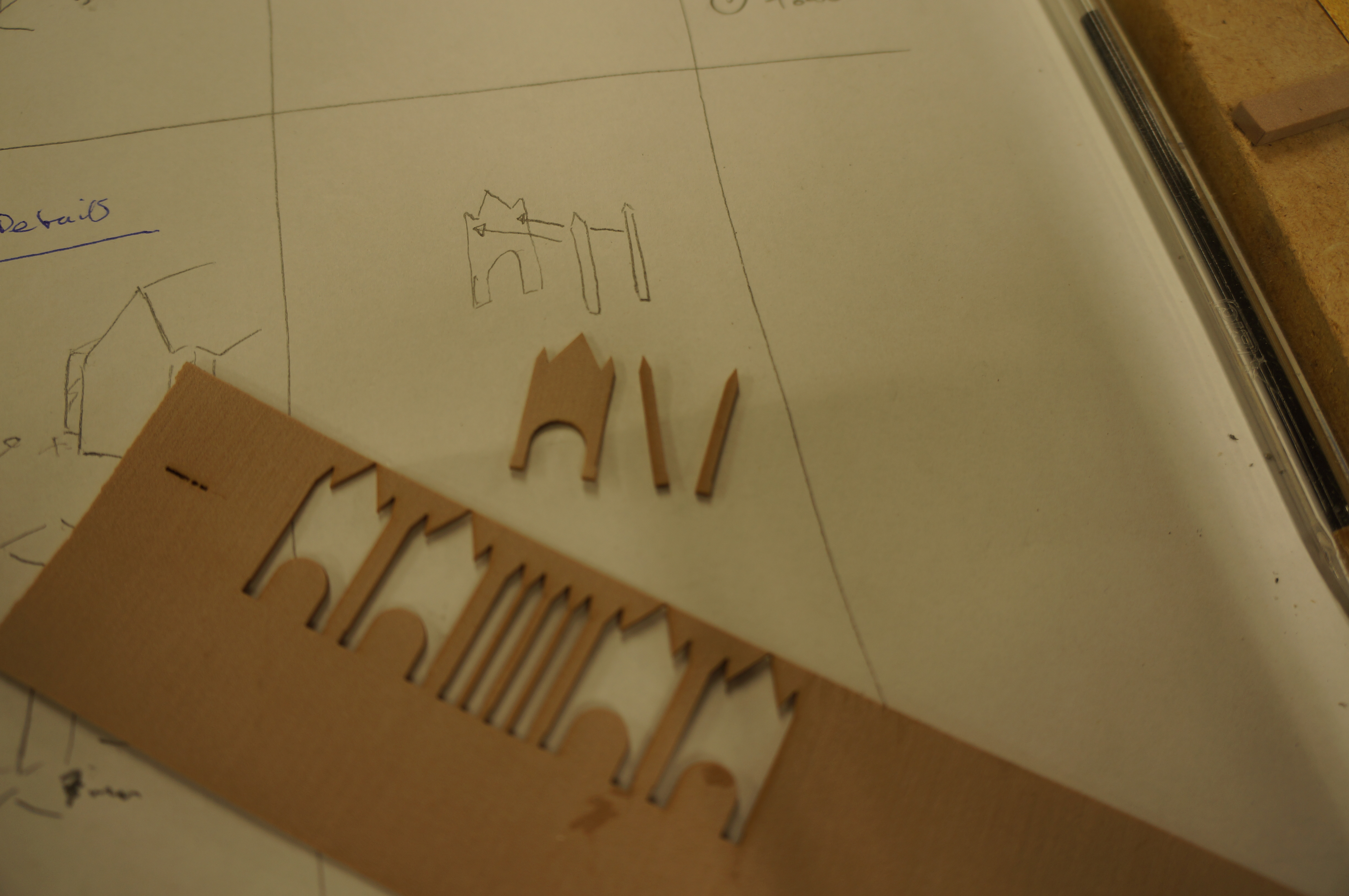
DSC05191Using the thin sheet off-cut from the first block, I took the elevation details of the archway from the CAD drawings and created the archway port surround and turret details by layering the two. Laser cutting is great for such intricate parts but presents a problem when finishing due to the fragile nature of such thin components. Care had to be taken when sanding off burn marks so spare components can come in handy if there are any breakages. DSC05193I used a medium thickness cyanoacrylate ( AKA superglue) to carefully stick the layered details together. Only small spots of glue were used and can be applied with the end of a cocktail stick or a scalpel blade.

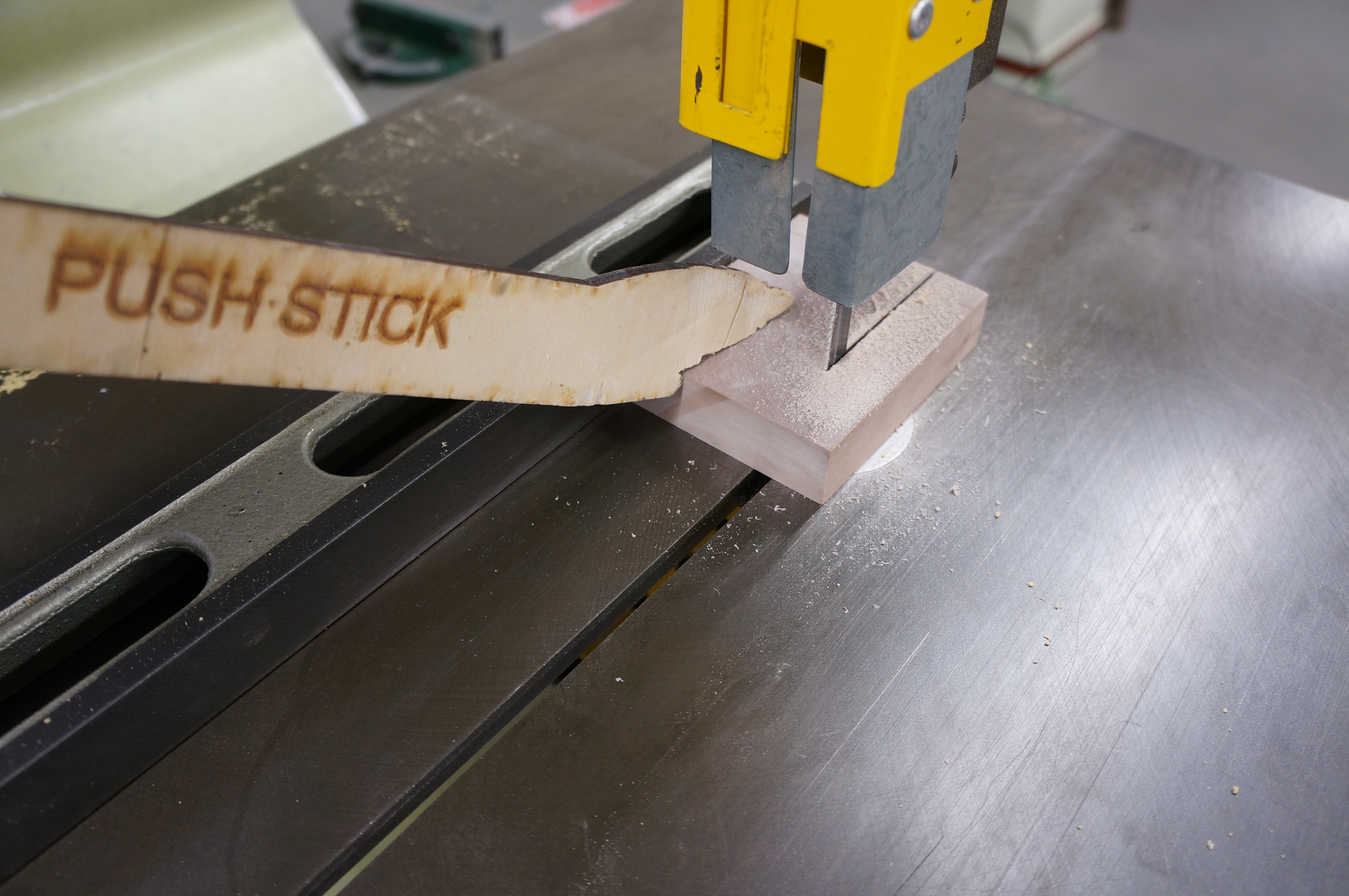
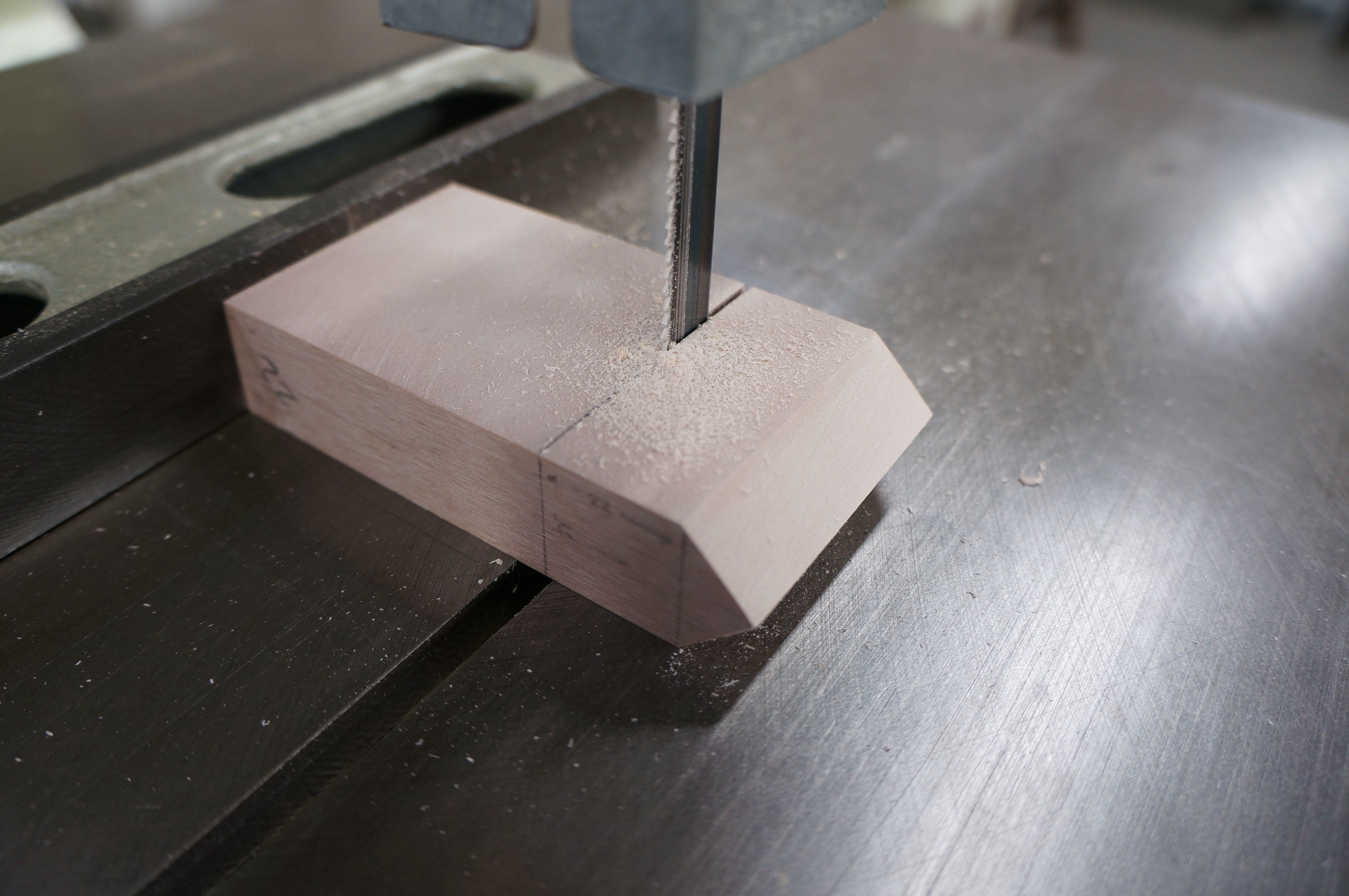
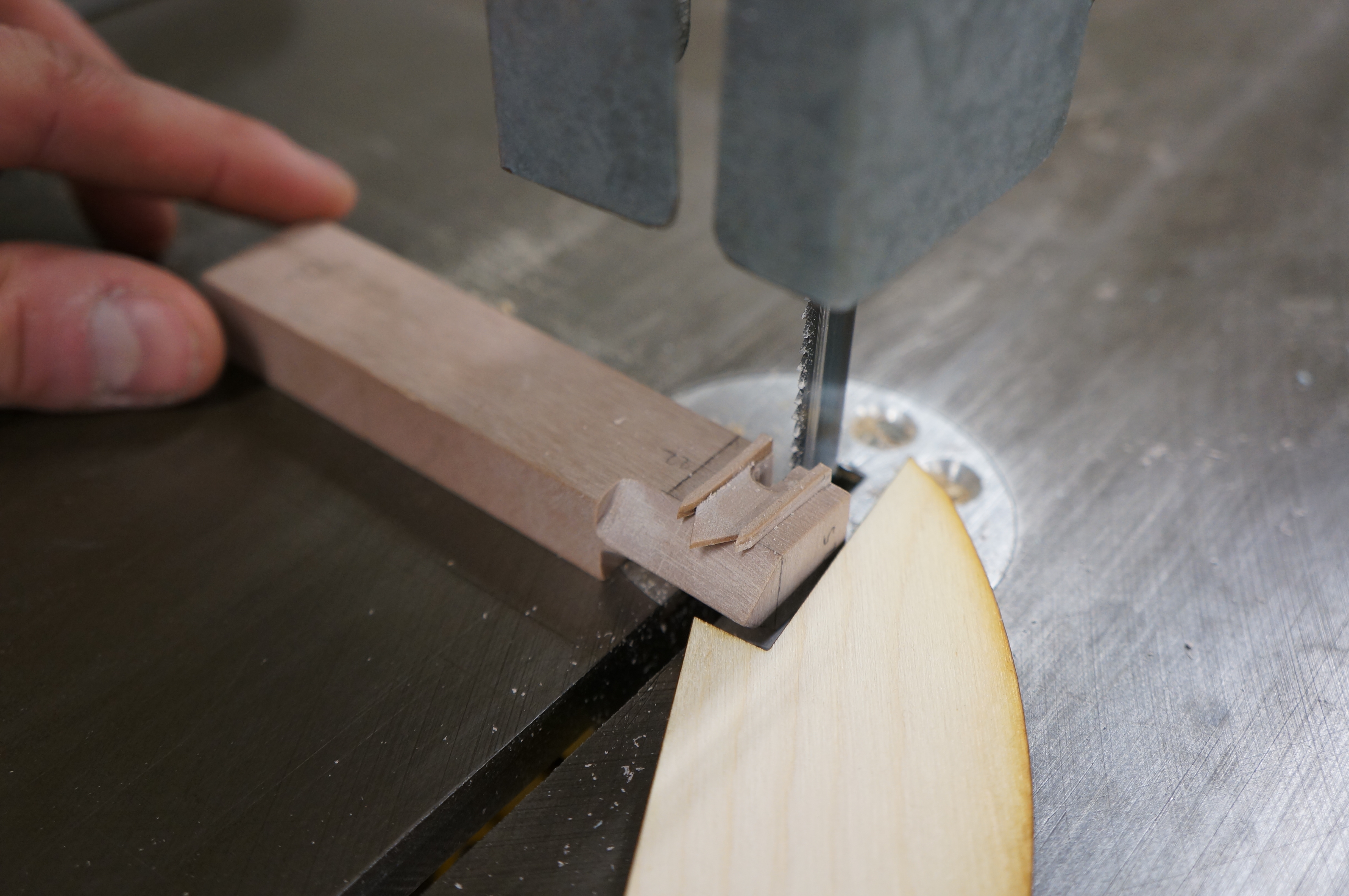
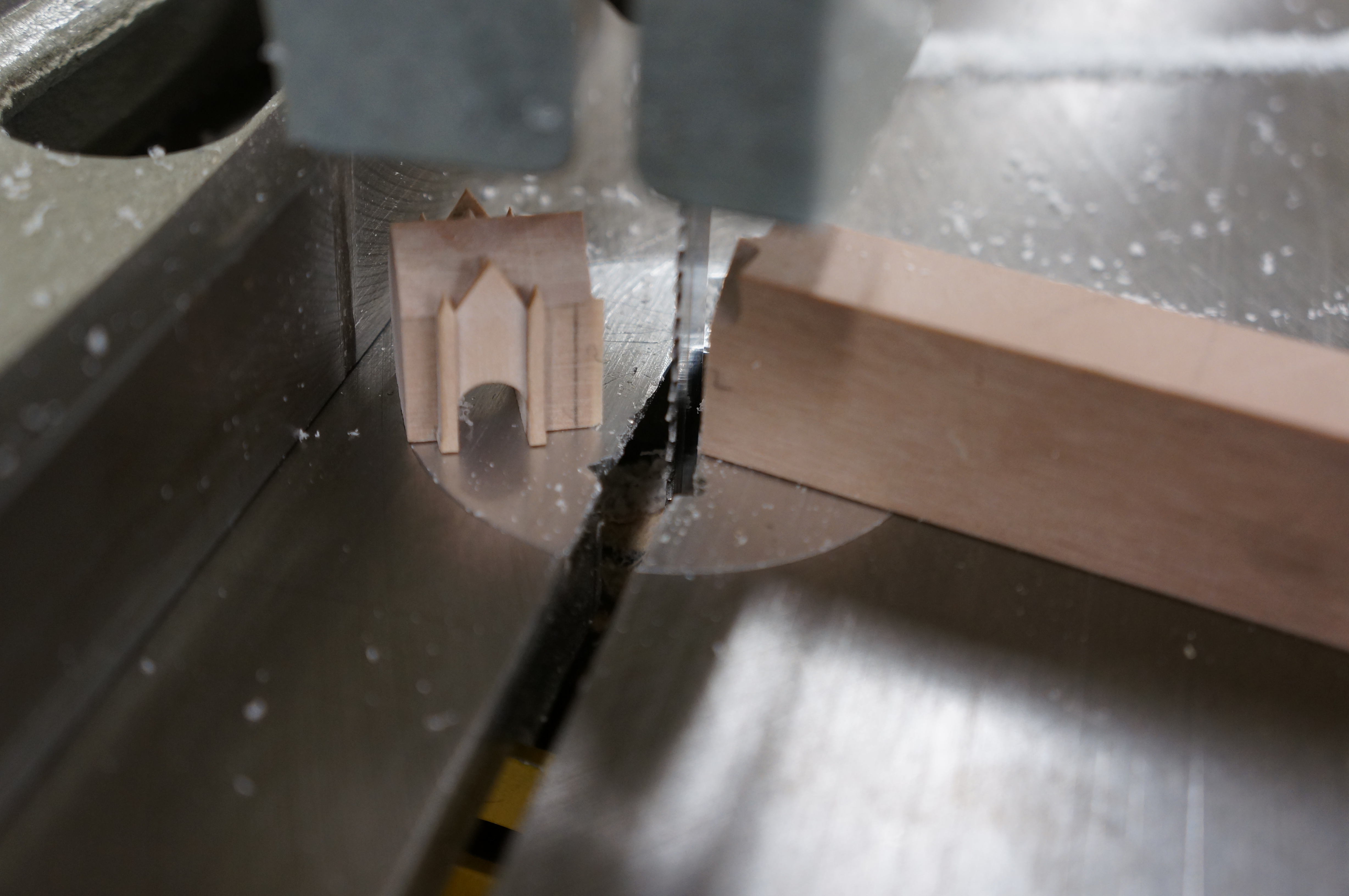
The layered up arch facade can then be applied to the primary massing from earlier taking care to center it as marked. DSC05194Once fixed the material filling the arch is removed in notches using the bandsaw – controlled easily thanks to the extension we have the piece built on with a push-stick. DSC05197After hand filing the curve of the arch using a round file the piece can be parted off from the extension and excess material carefully sanded back to the marked line taken from our printed scaled plan. DSC05201


STOP PRESS! MISTAKE DETECTED!DSC05212Leaving the workshop and walking down past the Whitworth Hall after work I noticed an error with my model so far in that I had wrongly presumed the footprint of the tower made up the entire plan print as shown. This in fact turns out to be wrong and the tower makes up just over half of the block footprint.

No need to panic!

By reviewing the plans and evaluating the oversight It was easily rectified by modifying the piece using the top center as a reference to reduce the overall size and roof pitch line. We all make mistakes so no need to worry if this happens when your making your model – its how we handle them that matters.

What ever you do don’t ignore it – especially if it is connecting to another part of the model as there is always a knock on effect with errors that will come back to haunt you! Try to take the time to do it right even if it means starting again.

DSC05213


 Massing Details Continued

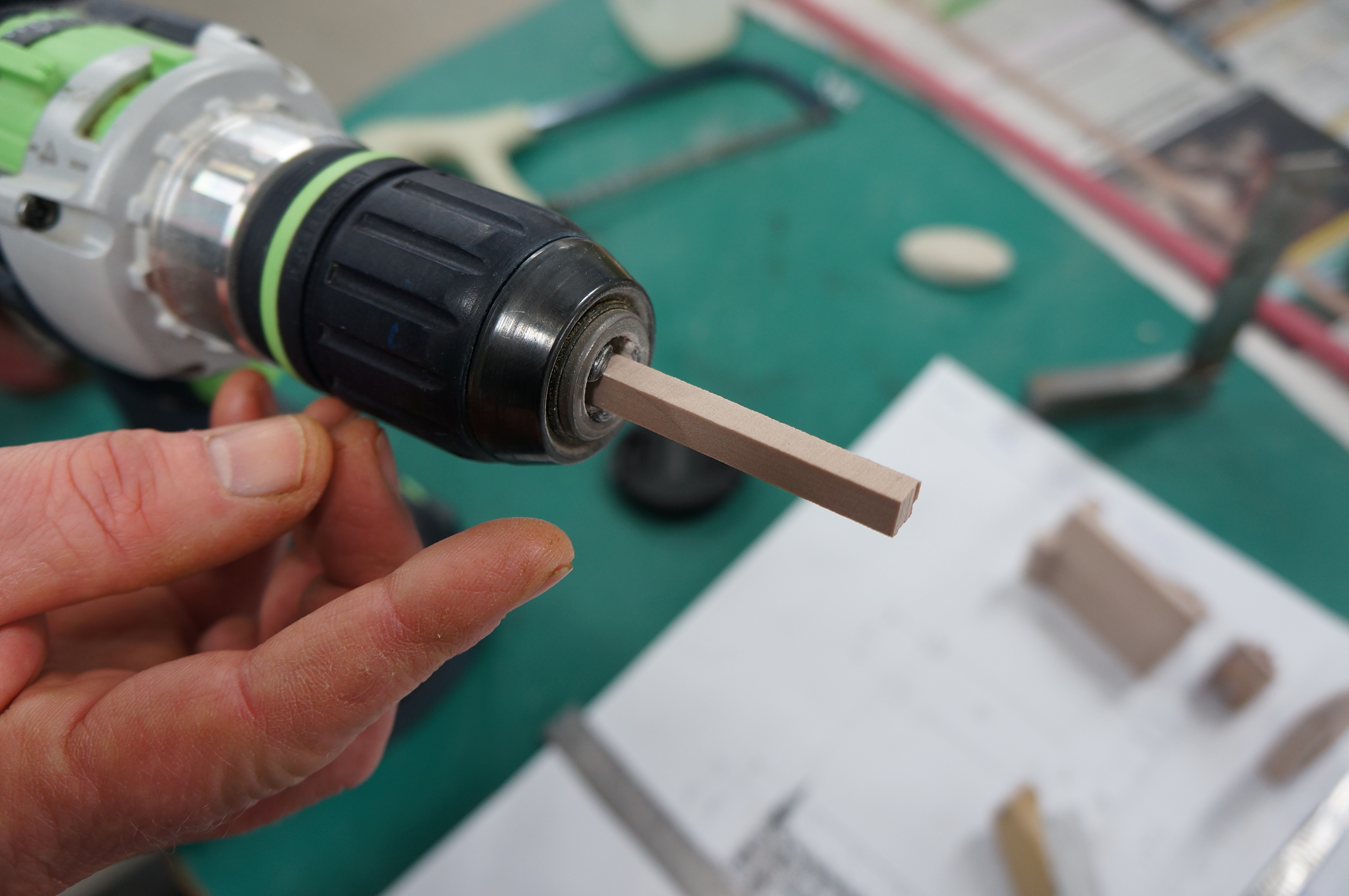
The next details I made were the spires at the top of the towers on the end of the Whitworth Hall. to create these I took a square section of chemi-wood from the offcuts and fixed it into the chuck of a hand drill.

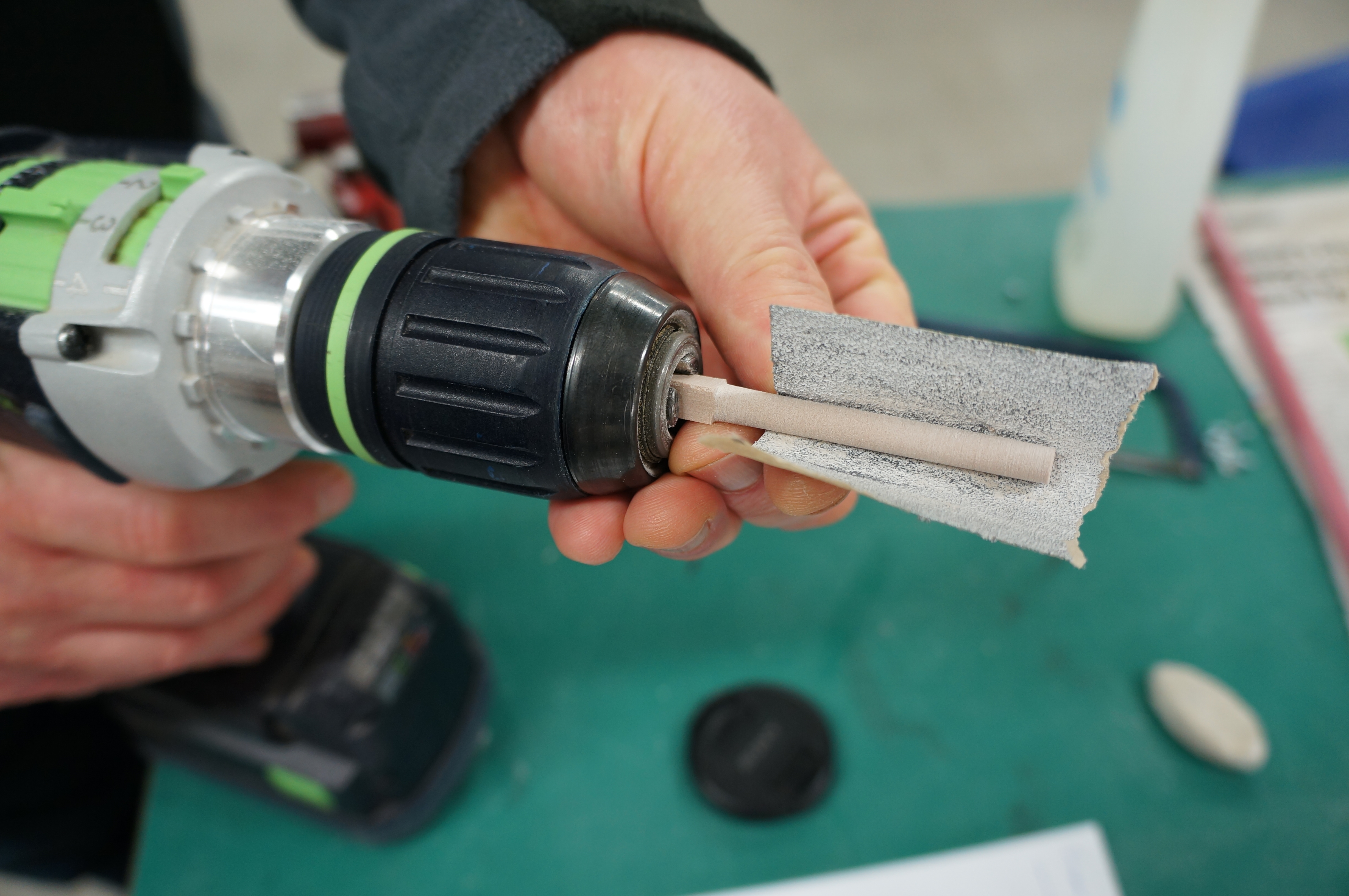
DSC05216Taking note of the required 6mm radius I used 120 grit sandpaper to reduce the section down to a dowel, regularly checking the size with calipers.

DSC05217Once the dowel was a 6mm I marked on the low point of the spire and used a needle file to reduce it down to a point before adding a shoulder at the base. The completed spire was then removed with a junior hacksaw before being lightly sanded flat at the base.

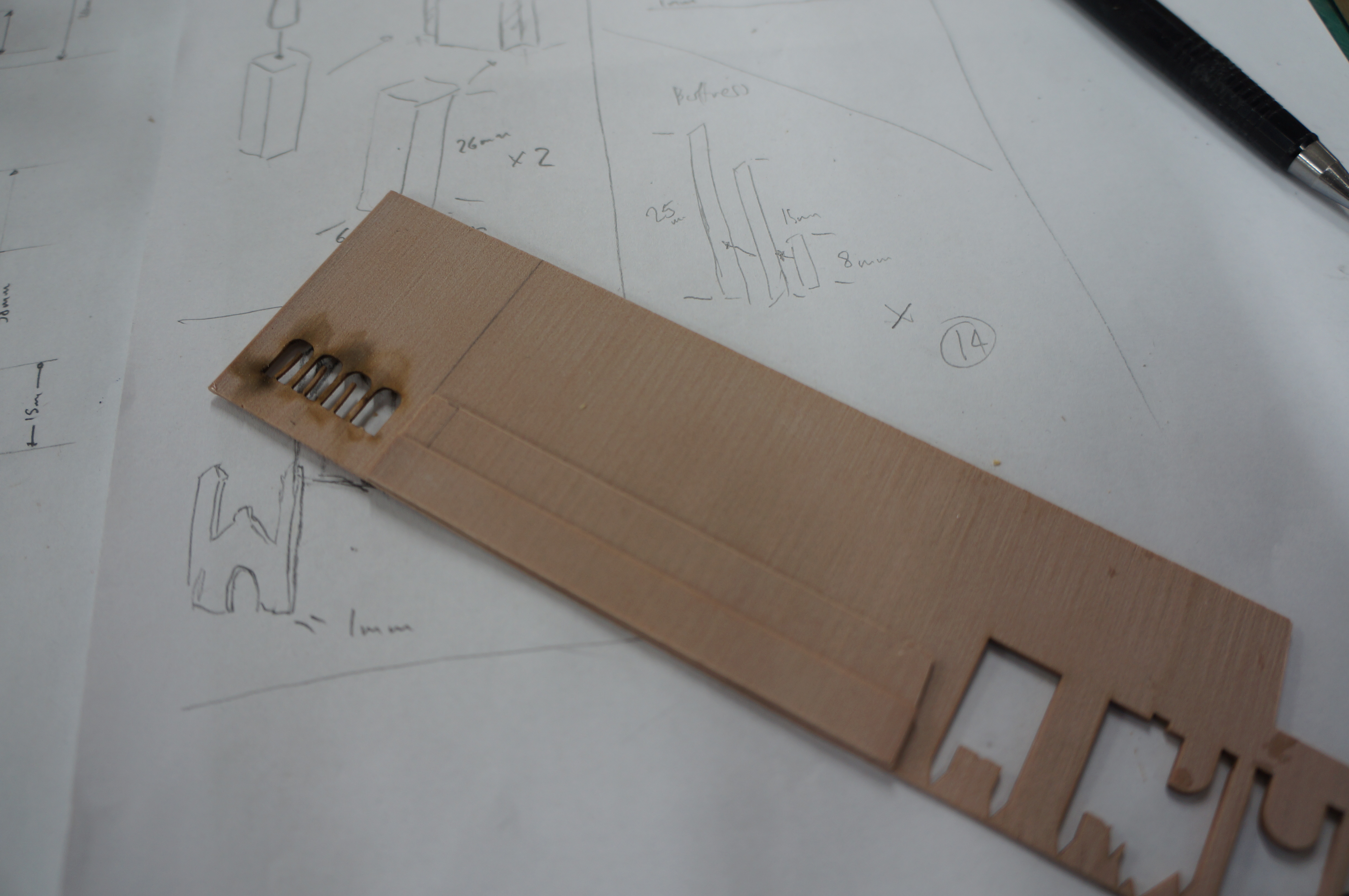
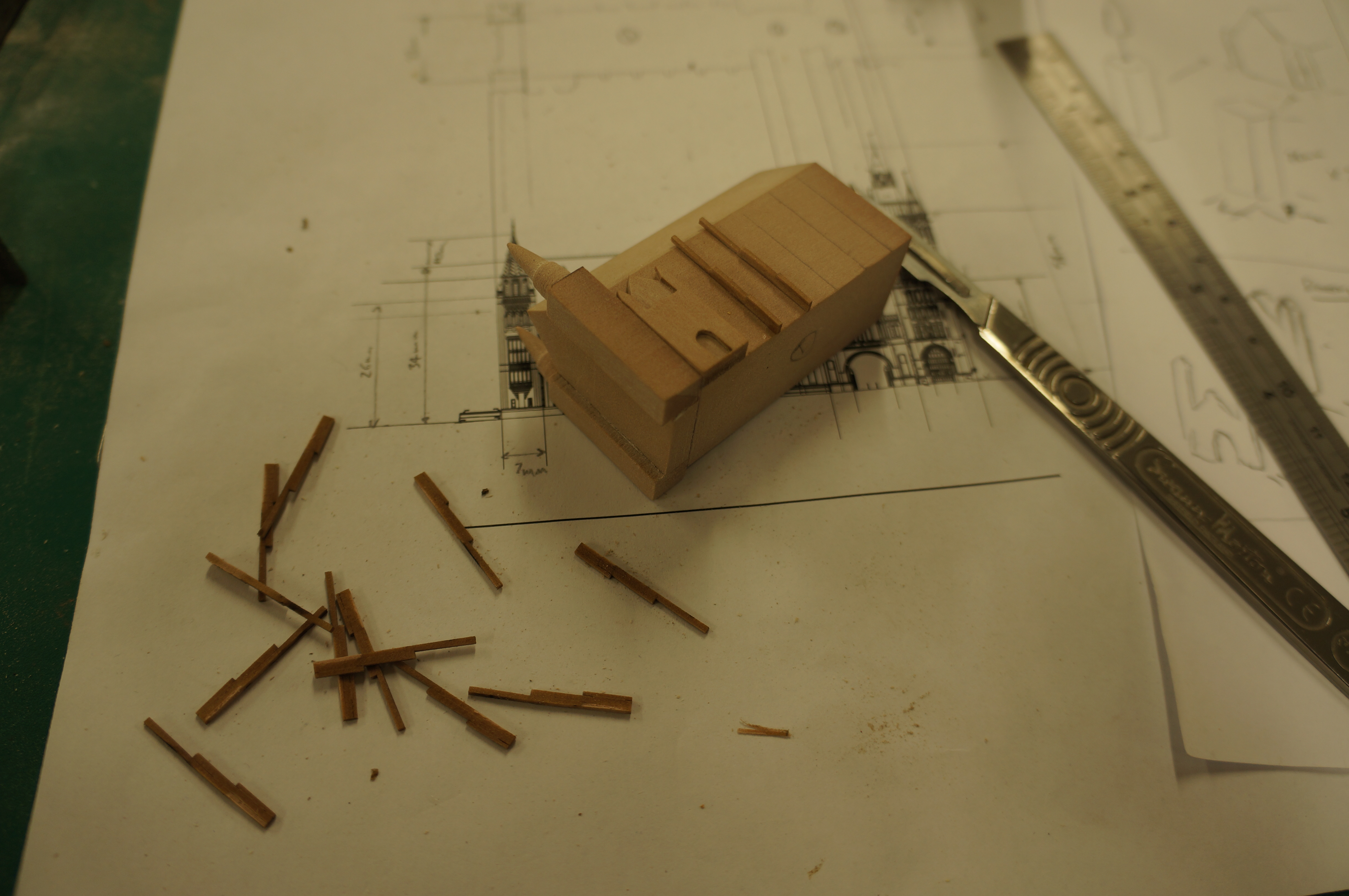
DSC05219DSC05223DSC05224The buttresses along each side of the Whitworth hall were made using thin strips that were layered up (shown below) on top of each other having been cut to the specified step heights.
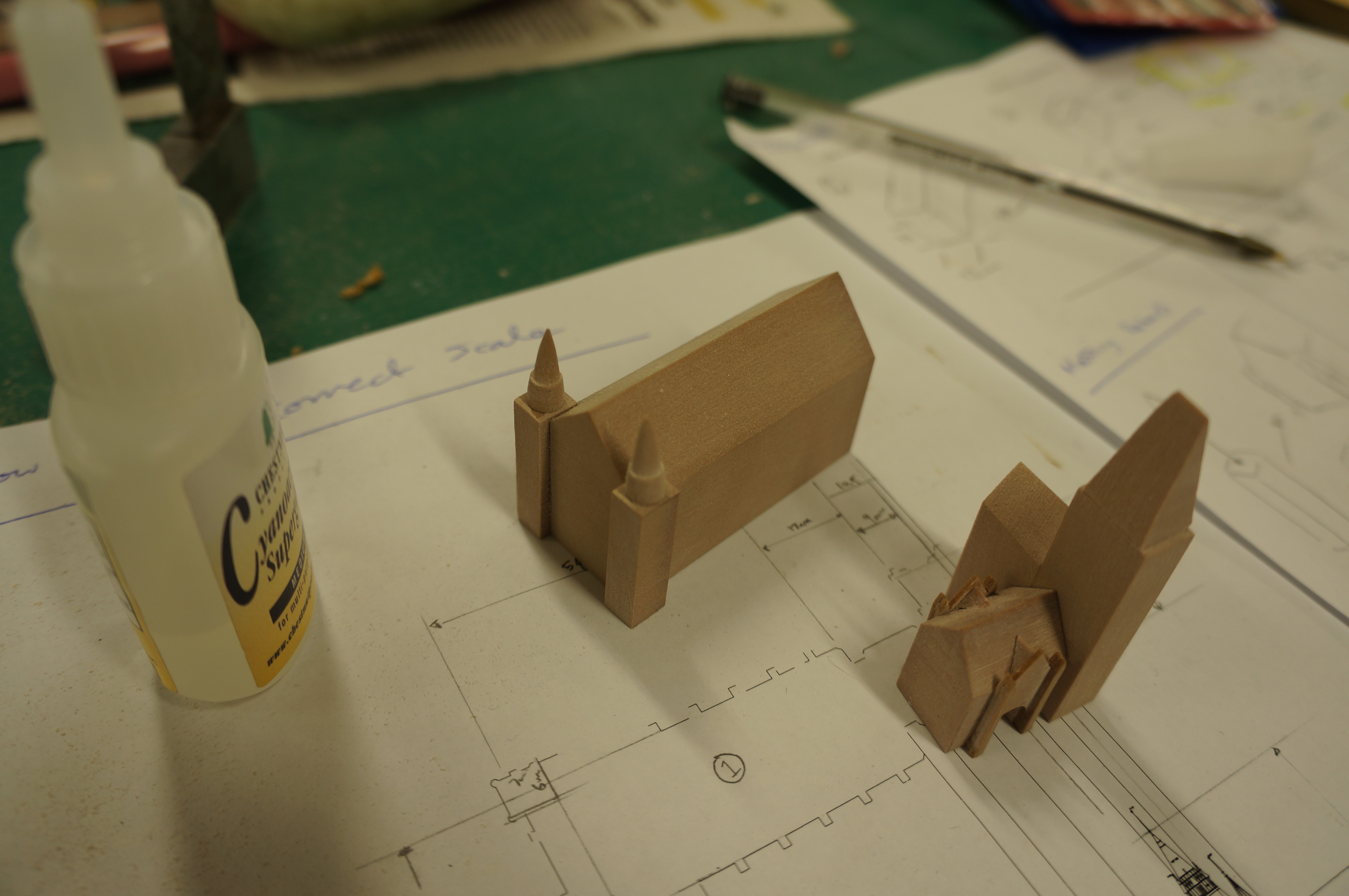
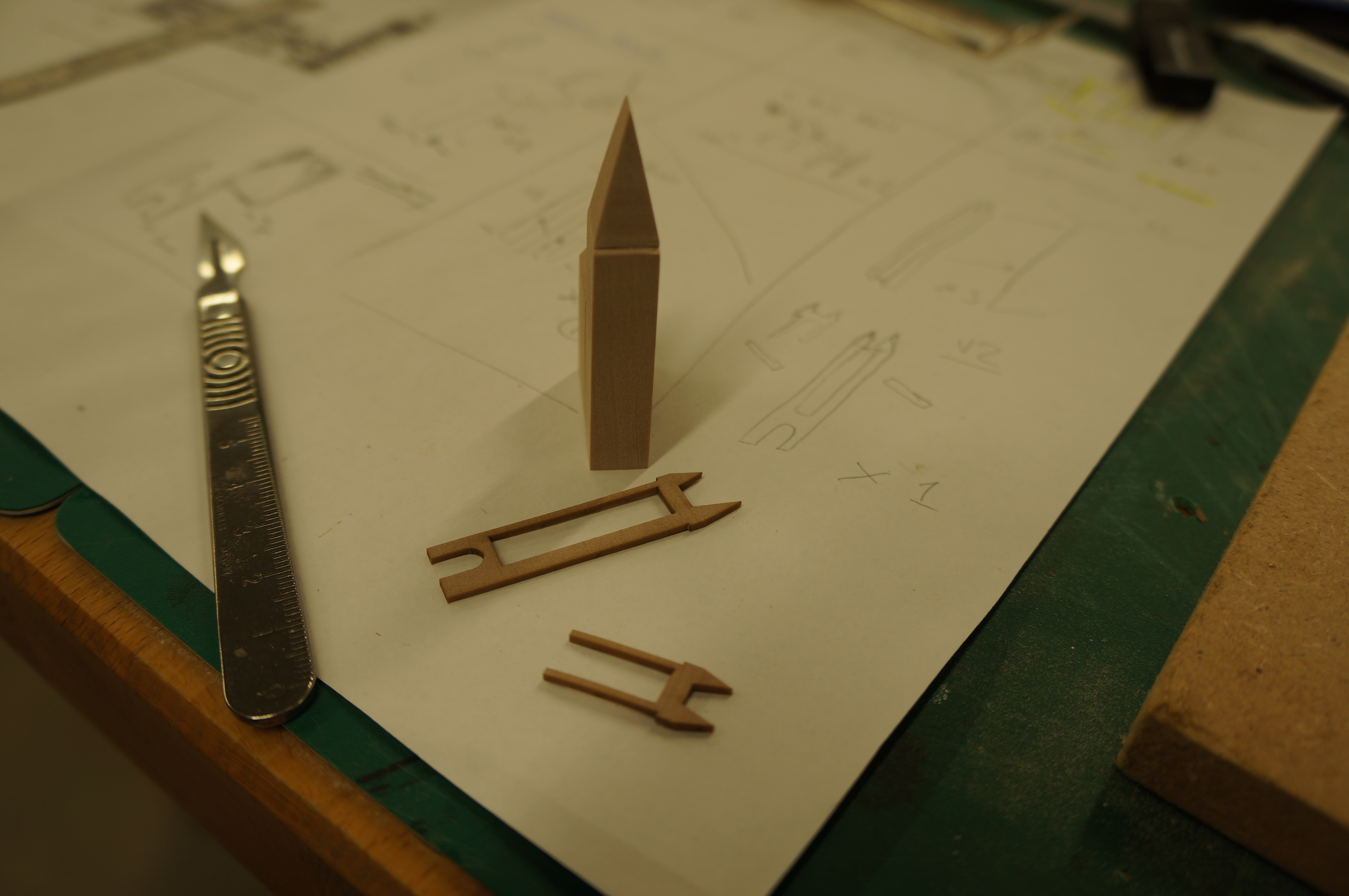
DSC05253 Once fixed I put this piece into the laser cutter and cut strips through the joined layers creating the buttress profiles. These were then carefully fixed in place using small amounts of cynoacrylate.DSC05256 Finally I simplified the corner spires that finish the tower using the CAD Files maintaining the same basic level of detail as shown on the other detail elements. These were then fixed in place before fixing the tower to the archway and Whitworth Hall sections. DSC05260The model could now be painted easily due to the smooth surface finish of the components. In this case the raw material finish sufficed and it remains its clean colour.

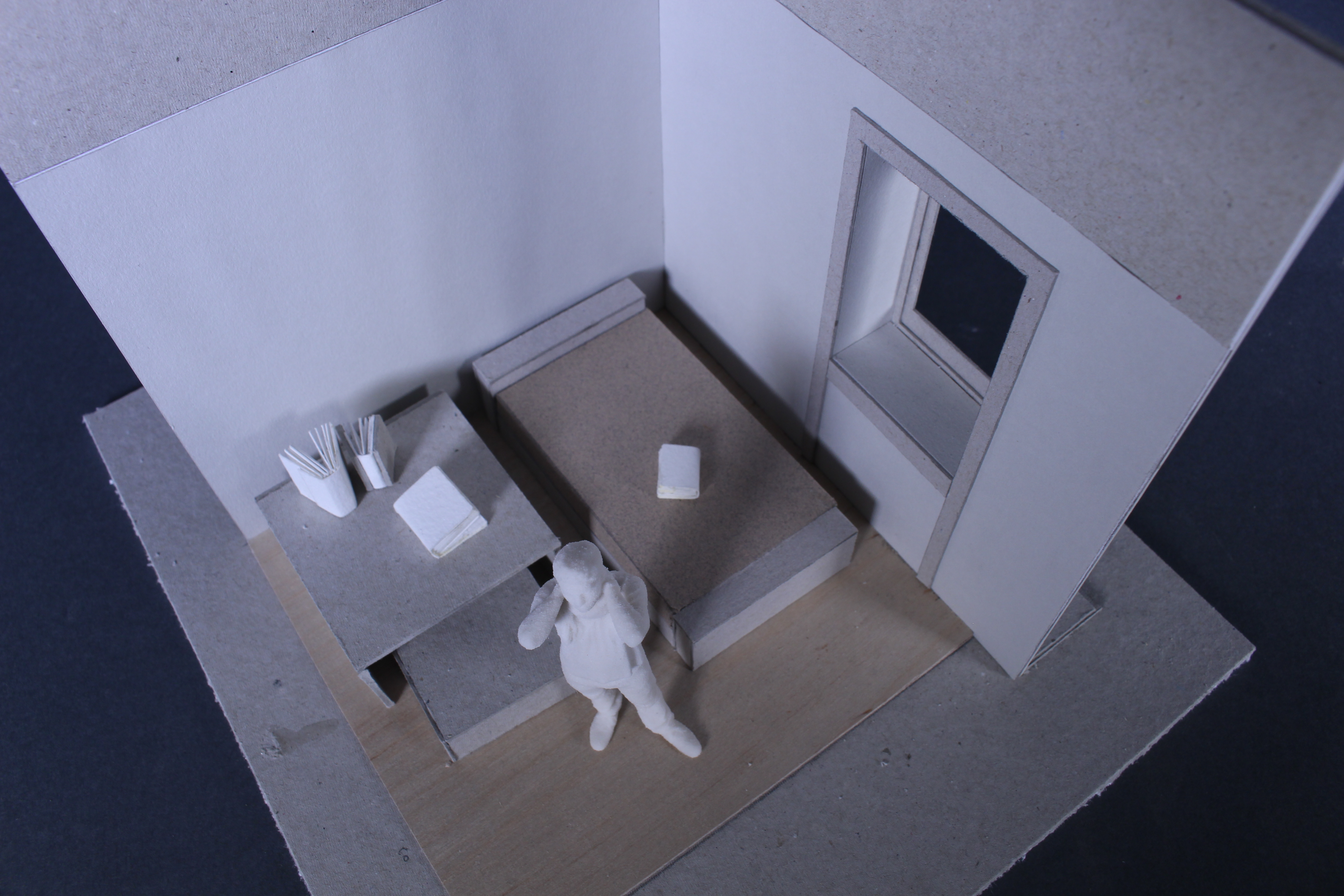
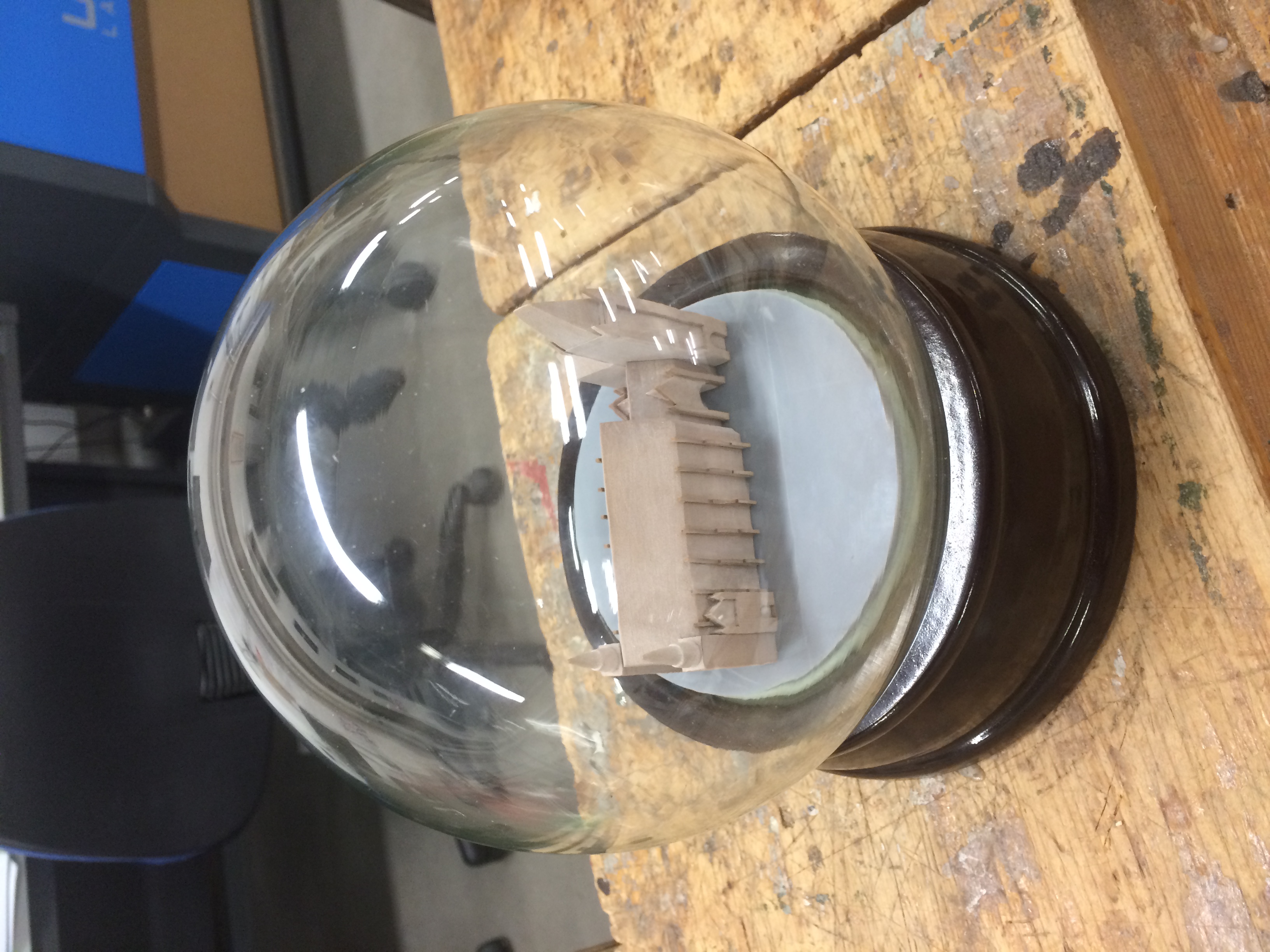
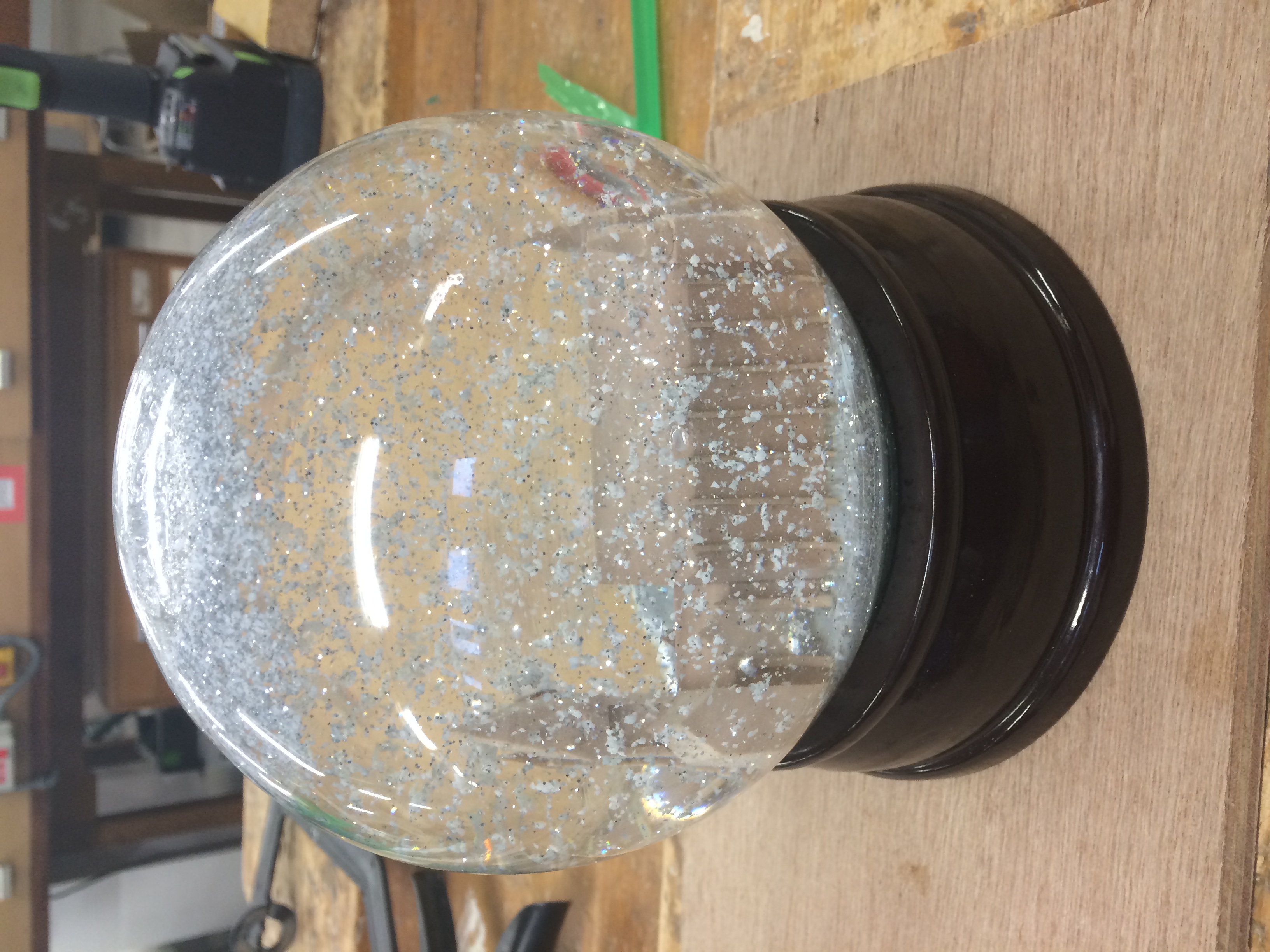
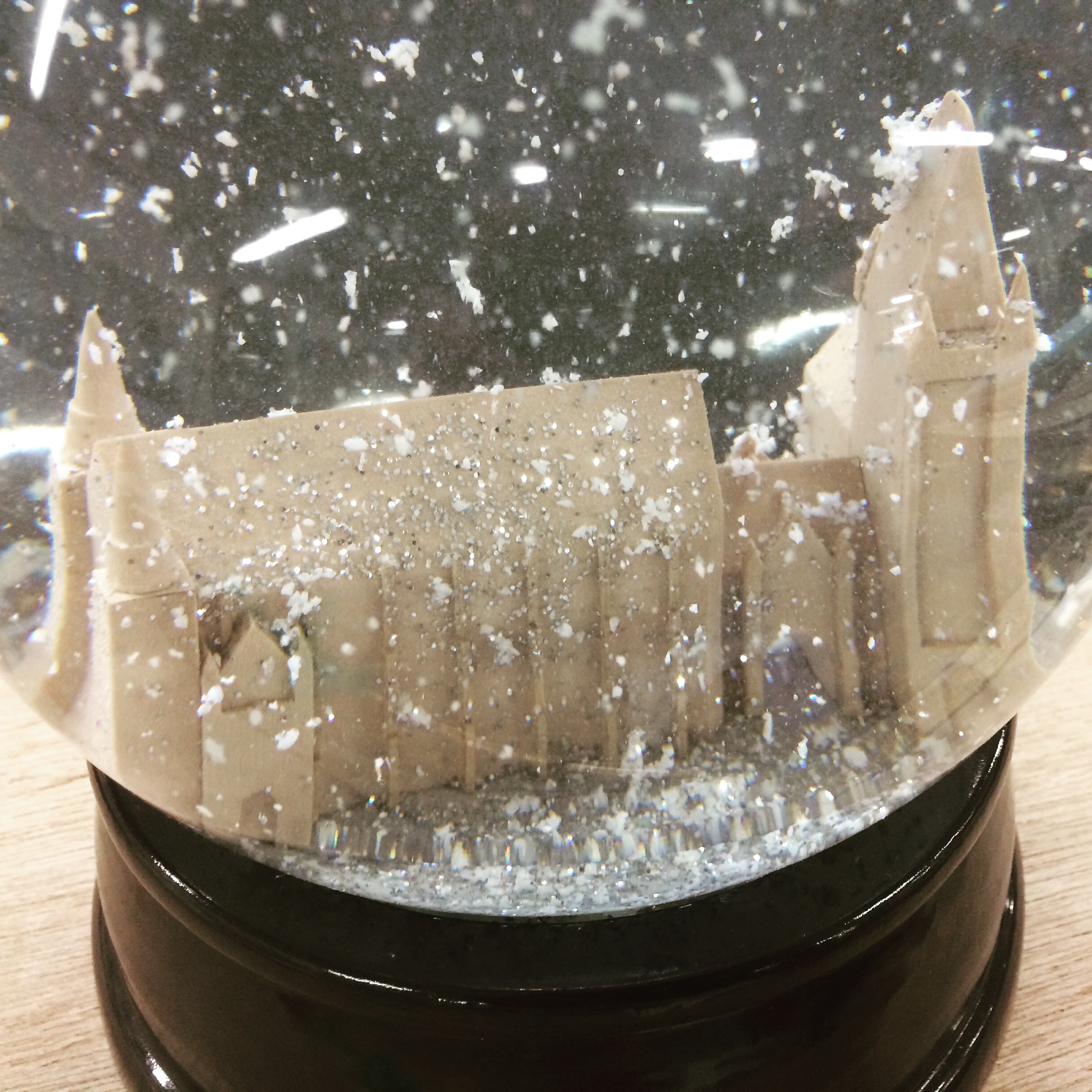
DSC05261The completed Model was then fixed into a snow globe to be used for University of Manchester marketing.

Hopefully this guide will give some useful pointers for your future models. If there’s anything you are uncertain about doing yourself always ask. – Scott

image3

image2

image1

UoM Twitter


30 Years of Modelmaking at Mecanoo…

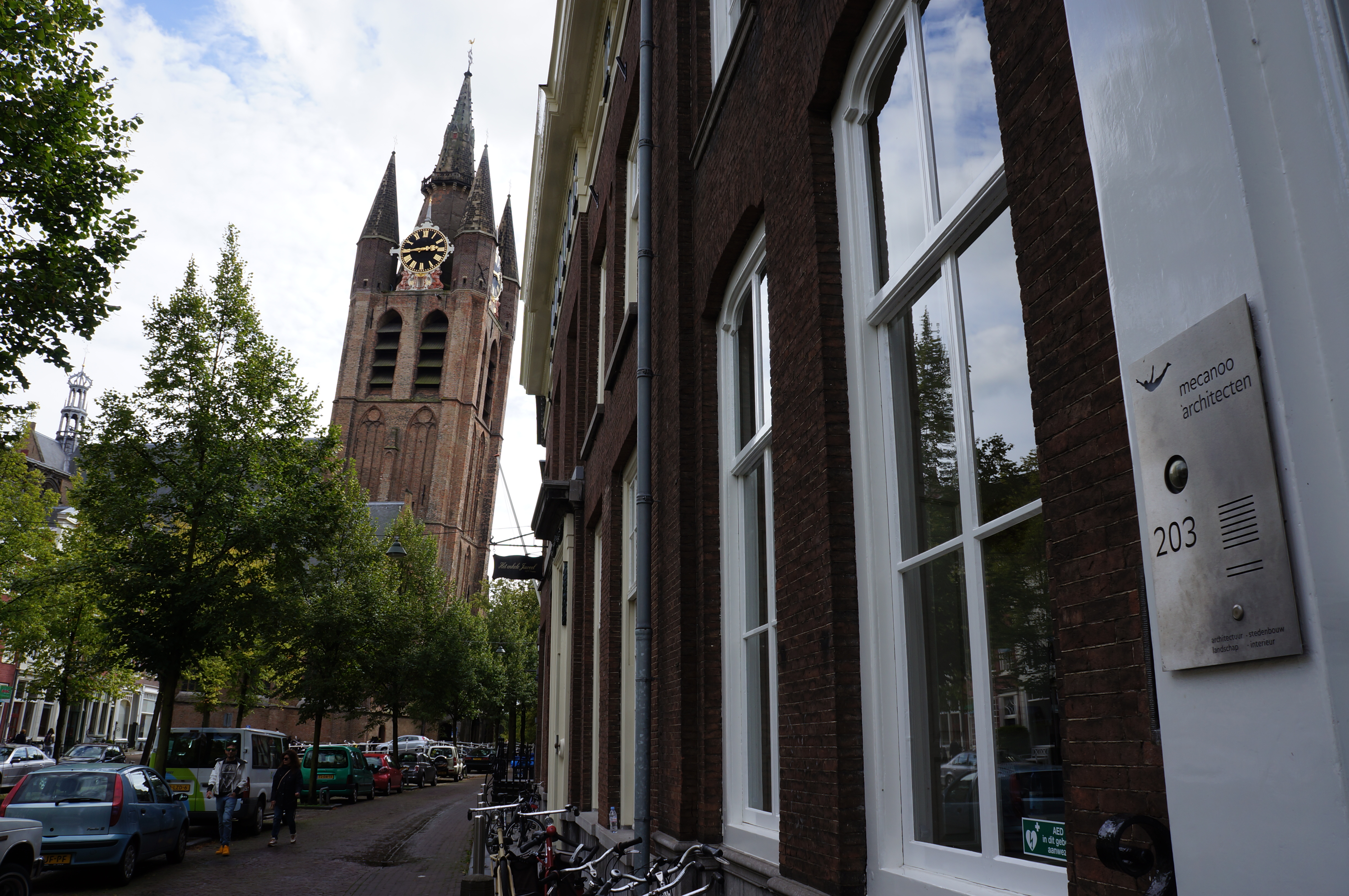
Back in September we were invited to attend the 30th anniversary celebrations at Mecanoo’s head office in Delft, The Netherlands.

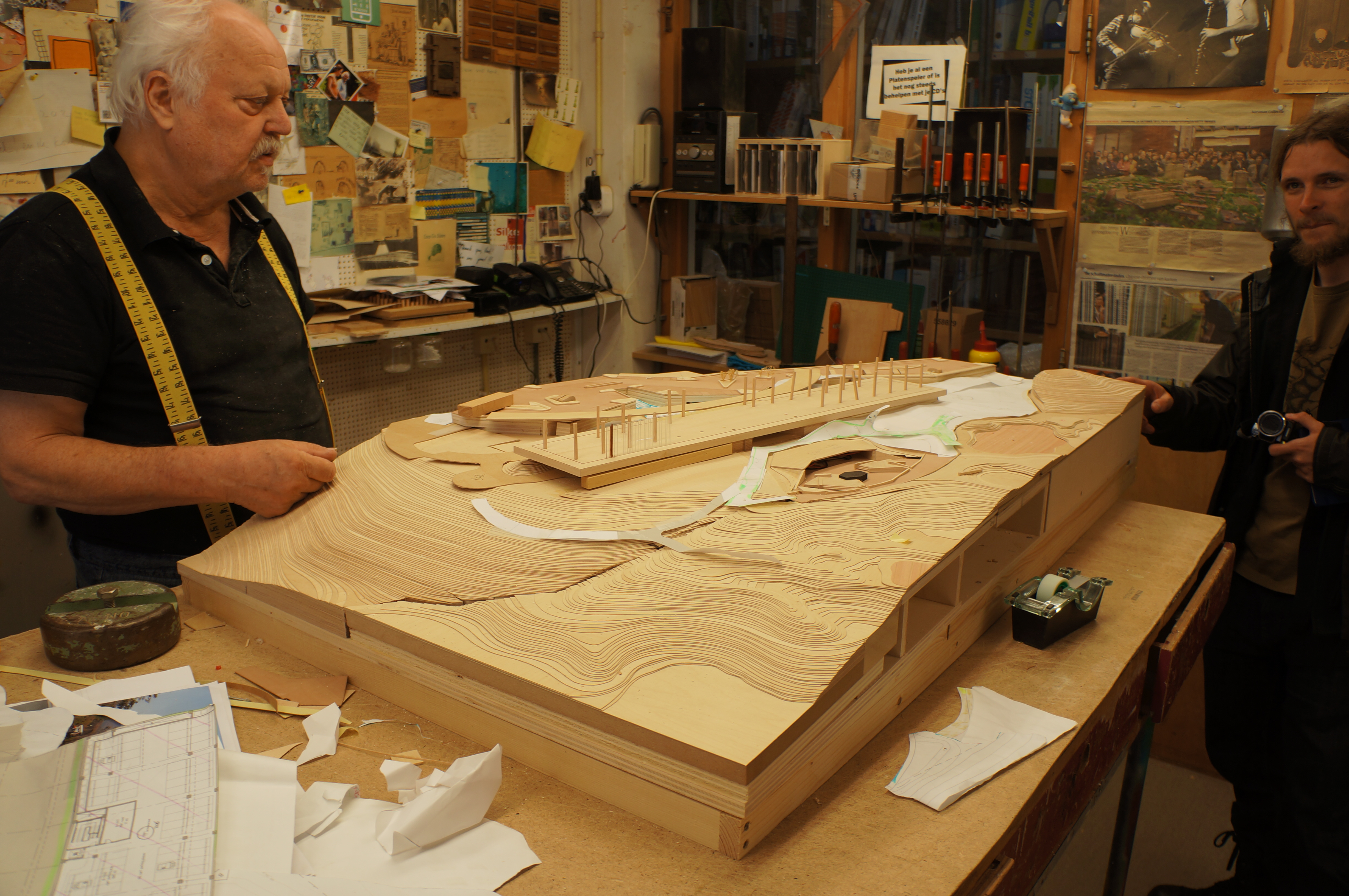
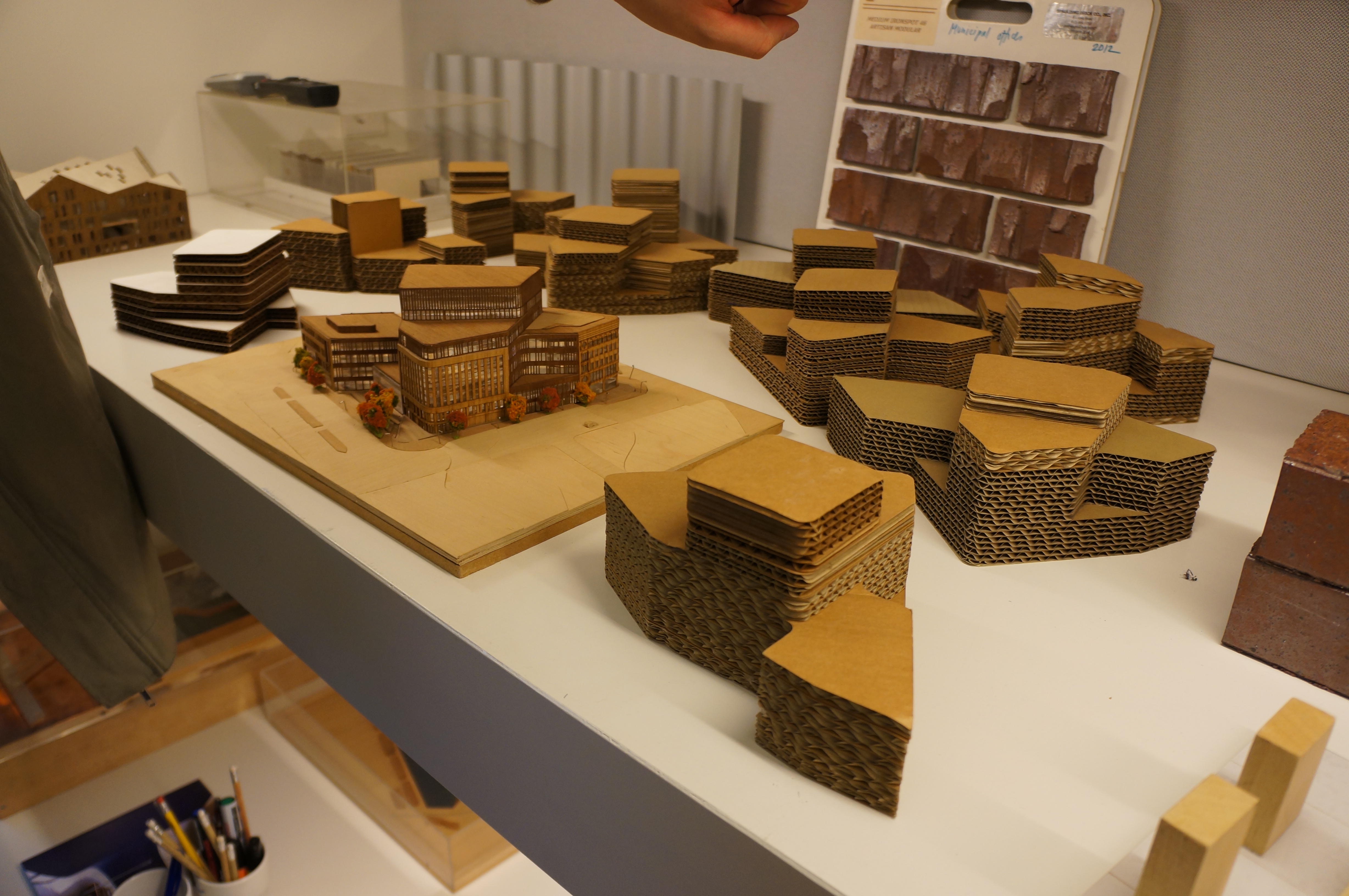
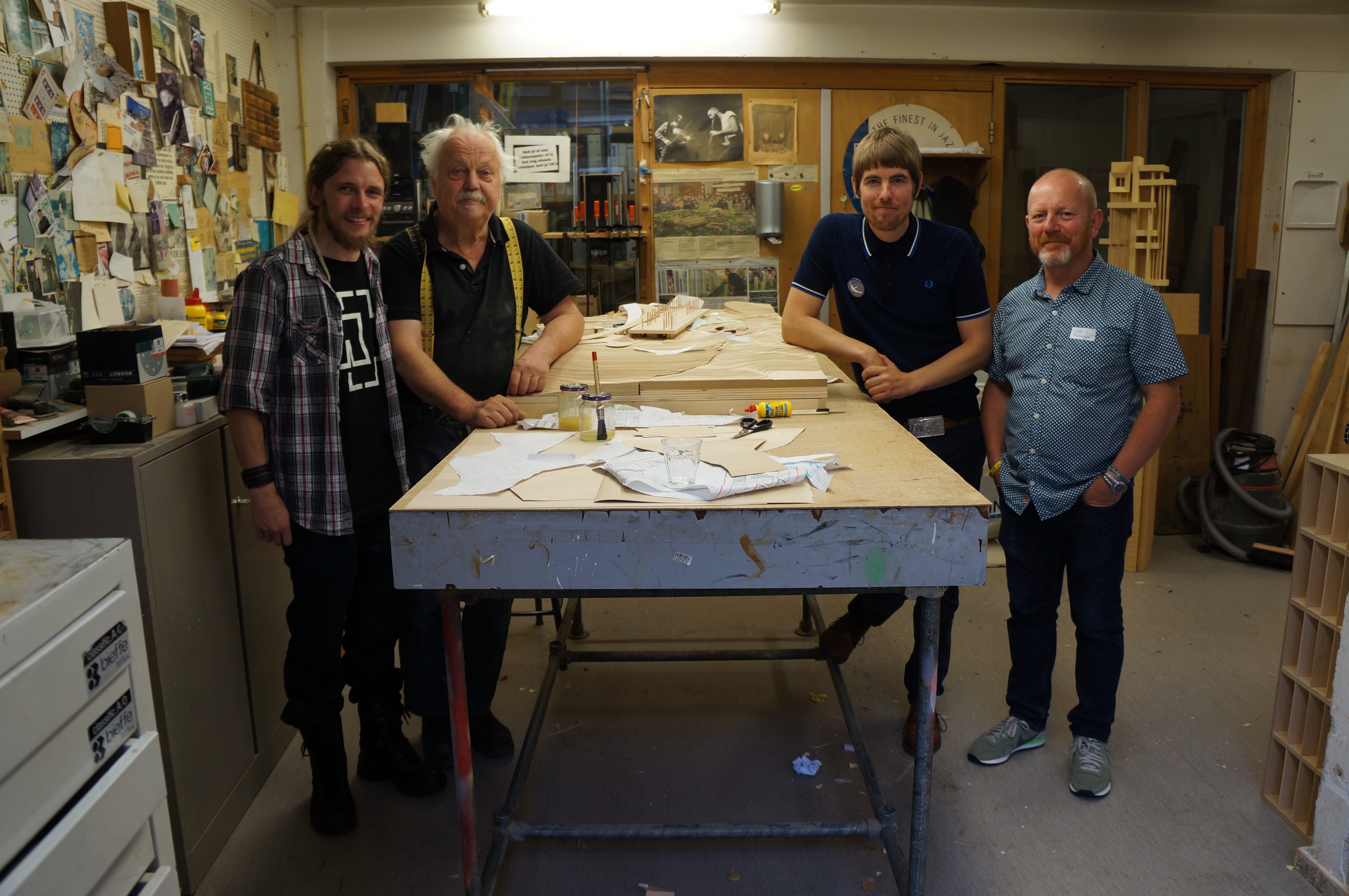
As part of the event we took the opportunity to pry into modelmaking theory and history there by speaking to long-standing Senior Modelmaker Henk Bouwer and Modelmaker Laurens Kistemaker.

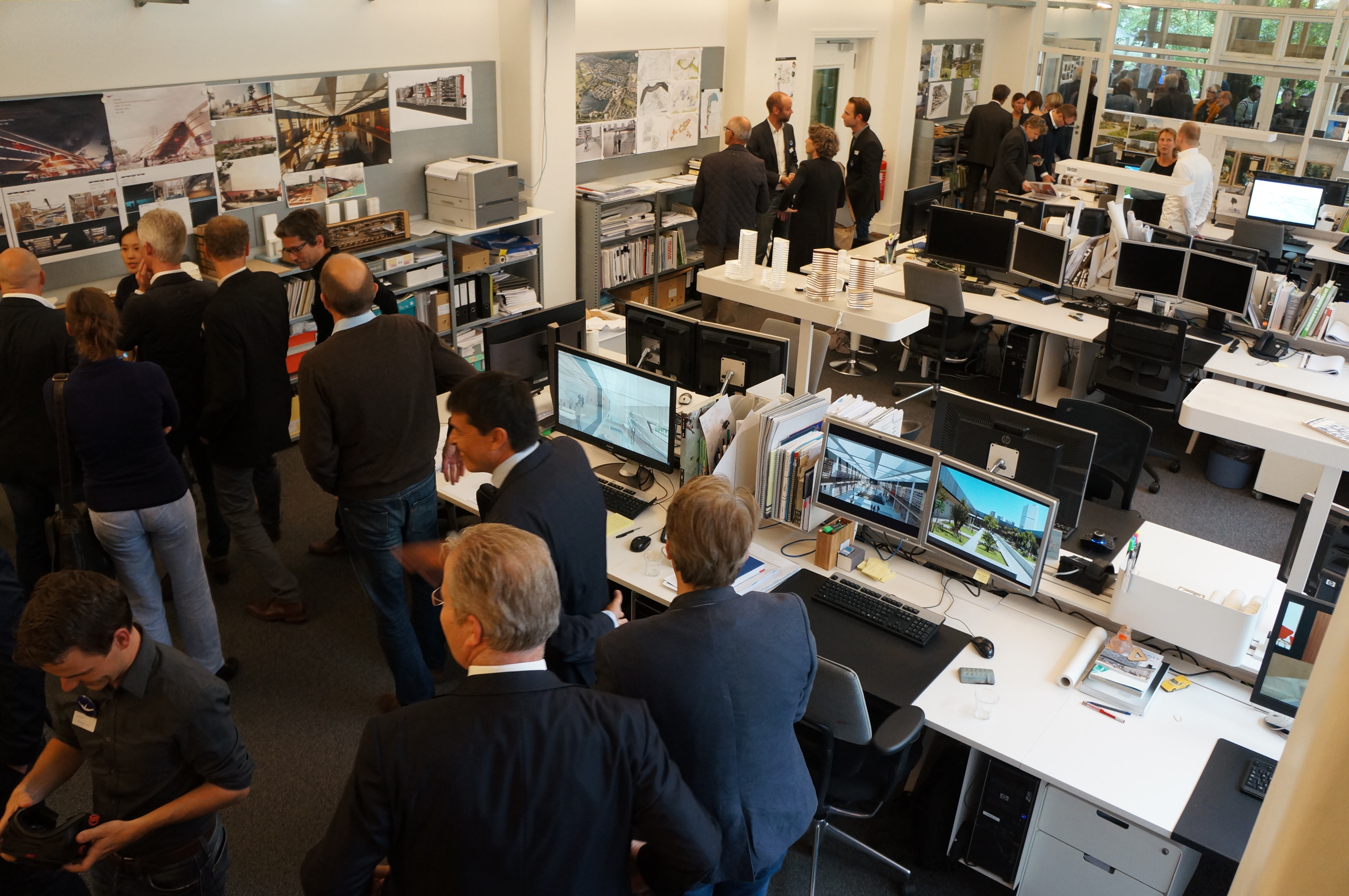
Mecanoo Office and Workshop (30)

delft, train station, 1.200

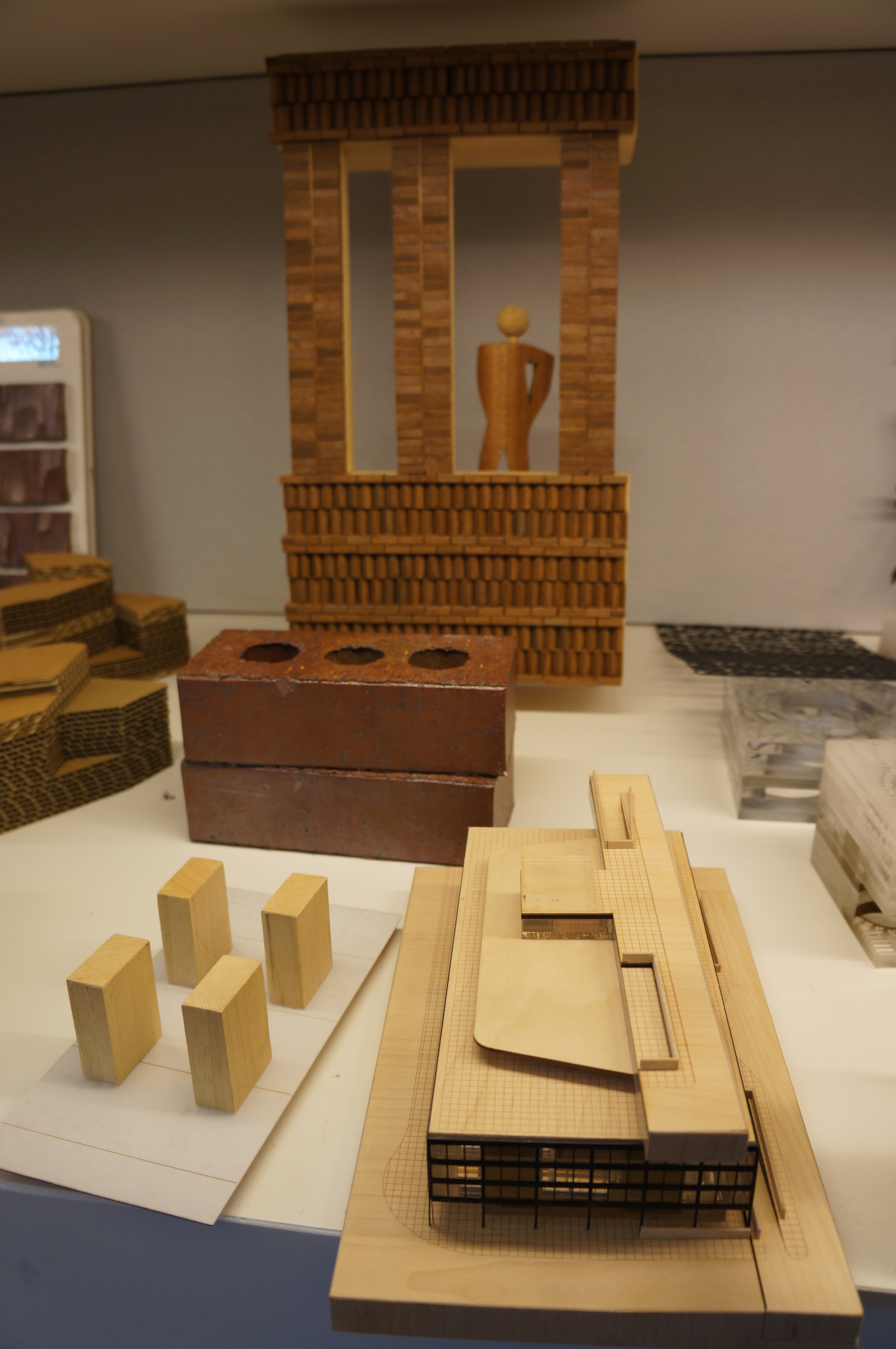
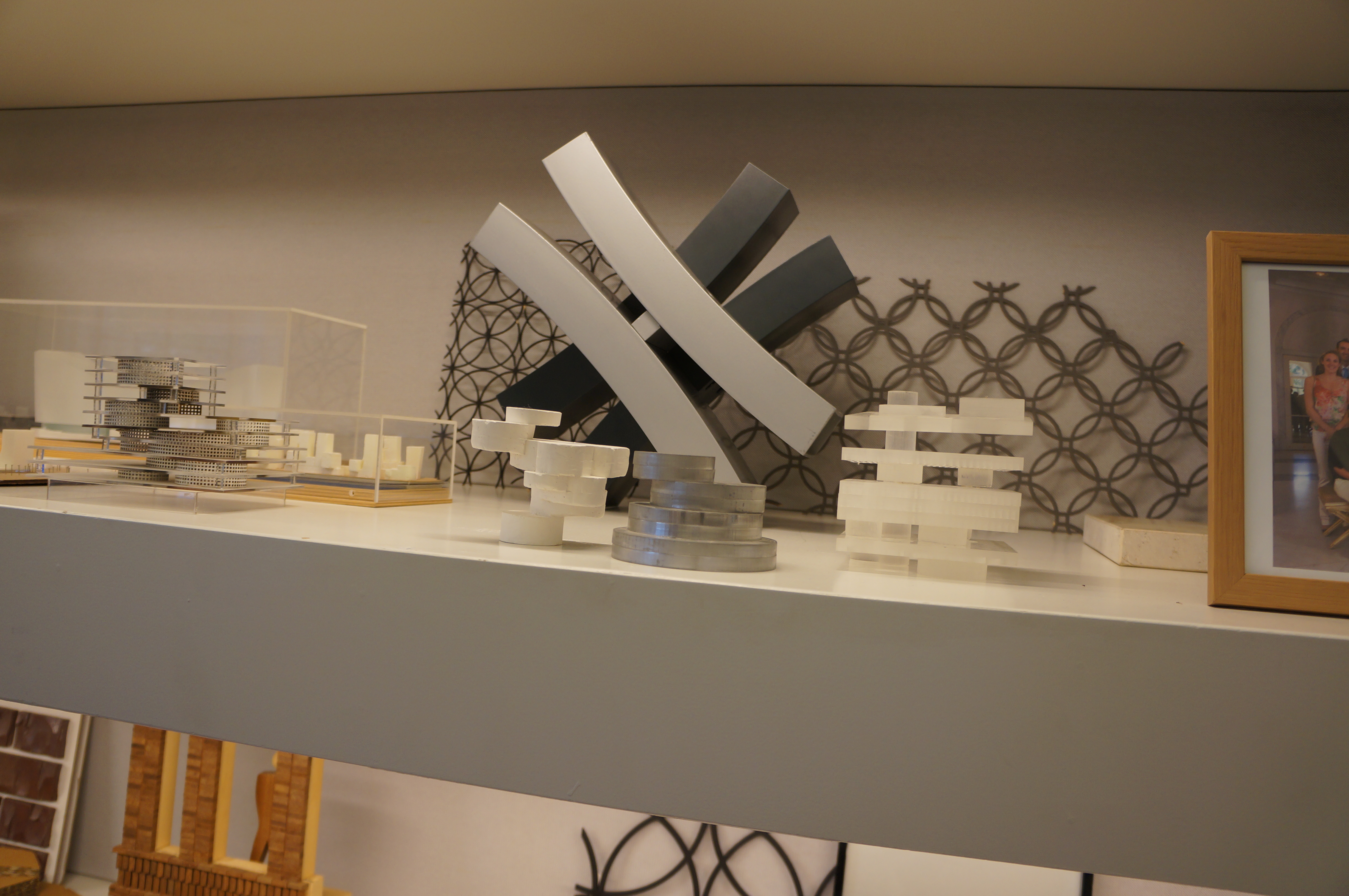
The use of models is clearly a key ingredient to the design process here and will no doubt endure for another 30 years or more! We’ll be continuing our collaboration with Mecanoo in this years modelmaking award scheme. More on that soon.

Enjoy!

Scott and Jim

Visit to Mecanoo Architects and the TU Delft Faculty of Architecture

Mecanoo Office and Workshop (3)

Last month we were invited to attend the 30th anniversary celebrations of Mecanoo Architects in Delft, The Netherlands. As part of our visit we were able to tour the Mecanoo office and workshop and conduct interviews with their long-standing head of modelmaking, Henk Bouwer and Modelmaker Laurens Kistemaker.

Our visit was dominated by modelmaking related talk and the promise of future collaboration for our Modelmaking award scheme. We will continue to refine the scheme and Mecanoo are very enthusiastic about increased involvement with the school and award process. More updates on this soon.

The complete video interview with the Mecanoo modelmakers will be uploaded to our blog in the near future.

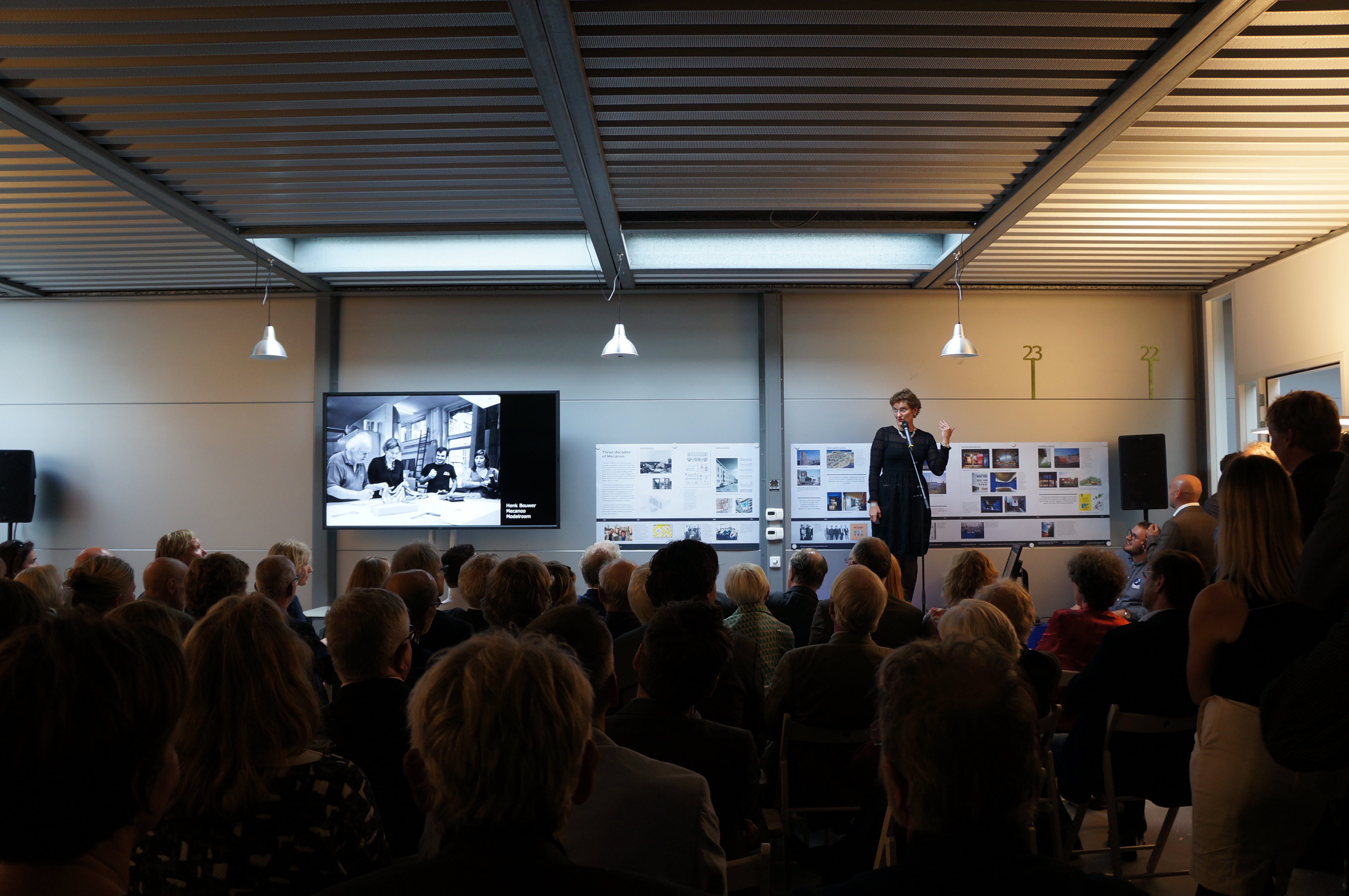
During the evening event Creative Director of Mecanoo, Francine Houben presented a chronology of the people the have been part of the company with their projects mentioned in throughout. The diverse staff that have come and gone from the company were clearly well thought of and many present during the presentation. Special mention of Henk Bouwers extensive and continued service highlighted the importance models play in the practice as we are well aware following our collaboration with them earlier in the year.

Some of Mecanoos key projects include the TU Delft Library, La Llotja Theatre and Conference Centre in Spain, Birmingham Library and more recently the HOME project in Manchester.

Mecanoo Office and Workshop (24) Mecanoo Office and Workshop (69) Mecanoo Office and Workshop (91) Mecanoo Office and Workshop (92)Mecanoo Office and Workshop (122) Mecanoo Office and Workshop (136)Mecanoo Office and Workshop (126)

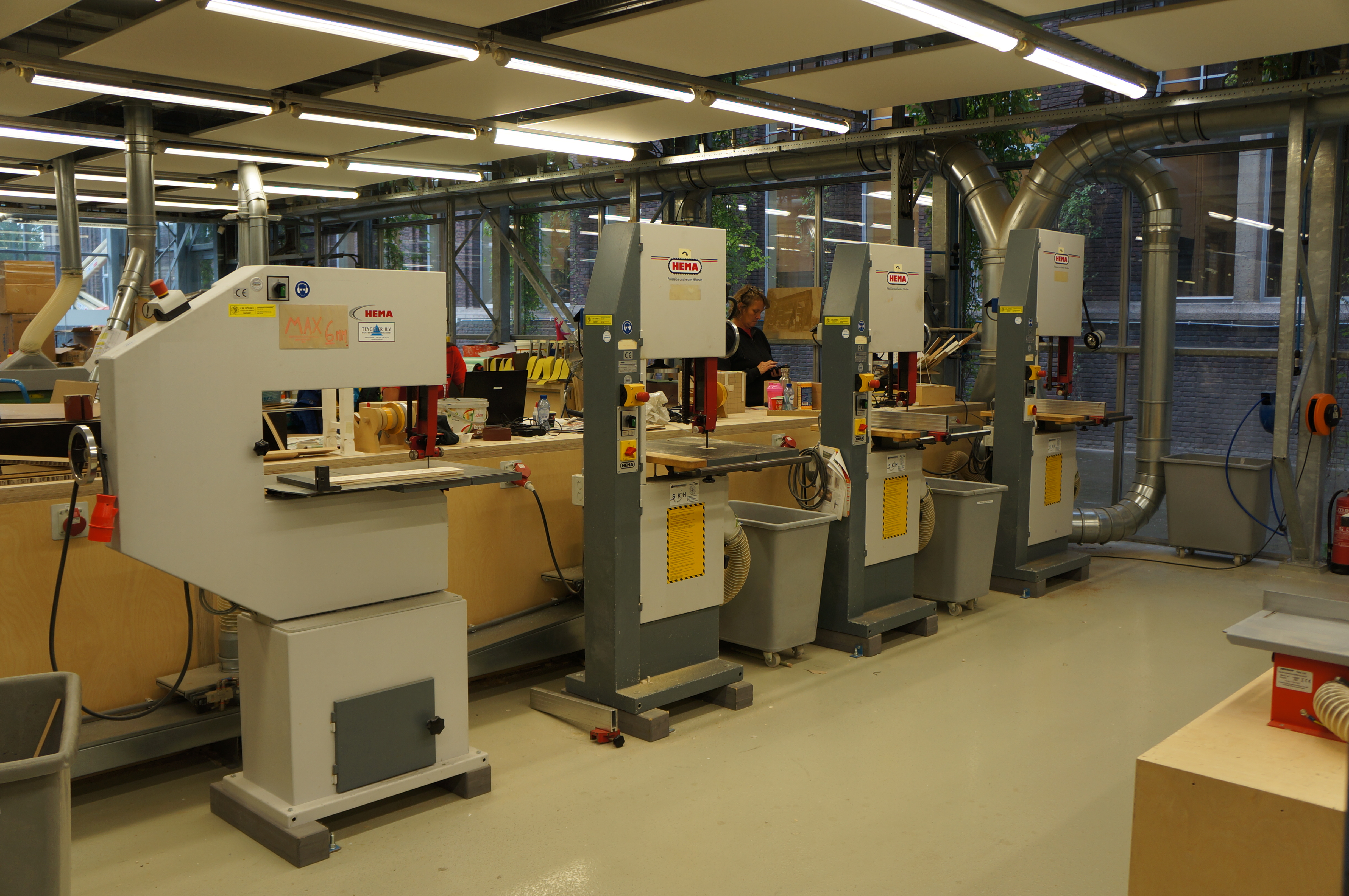
In addition to the Mecanoo insights we were able to have two separate tours of the TU Delft Faculty of Architecture. Technician Geert Coumans gave us a full tour of their workshop facility allowing for some obvious comparisons of working practice which left us reassured about our approaches to modelmaking in architectural education. The TU Delft facility has an annual intake of approximately 300 new first year students which is reflected in the size of their combined workshop and studio space. The facility was hastily designed as a result of the unfortunate fire that burnt down the previous school building in 2008. The resulting workspace is vast and lofty with workshop areas divided according to their purpose.

TU Delft (1)Scott Mobile Delft Pics (24) TU Delft (9) TU Delft (18)
TU Delft (21)


TU Delft (50)

TU Delft (60)


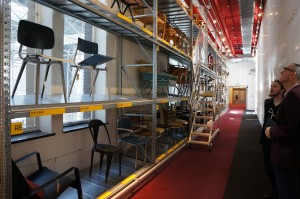
In a second tour of the studio and lecture spaces we were shown around by lecturer John Heintz. It was pleasing to see models in every conceivable space around the school during our two visits. One fascinating part of the school is an extensive collection of original classic chairs which are housed in a connecting corridor between the two main wings of the school.

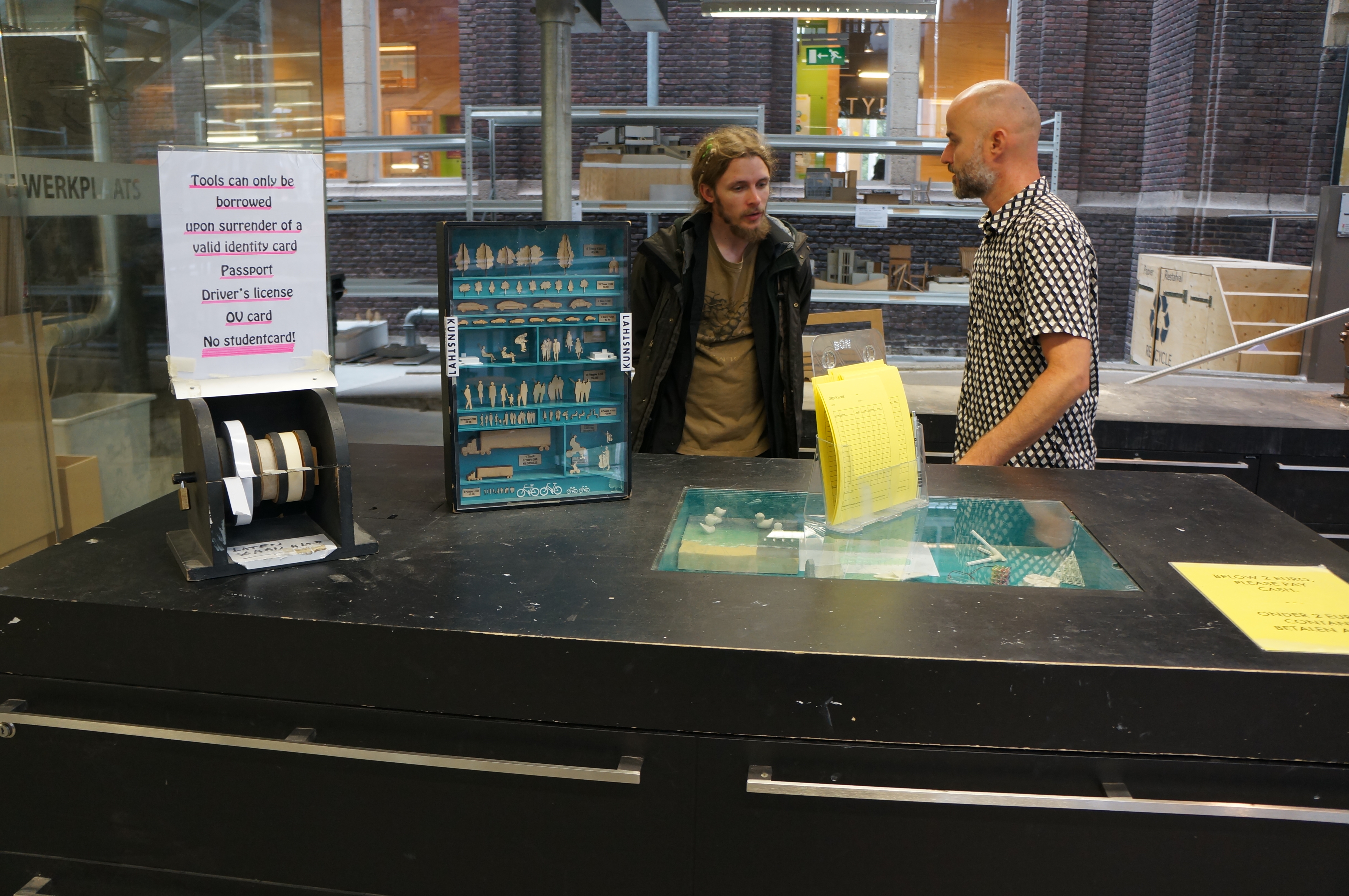
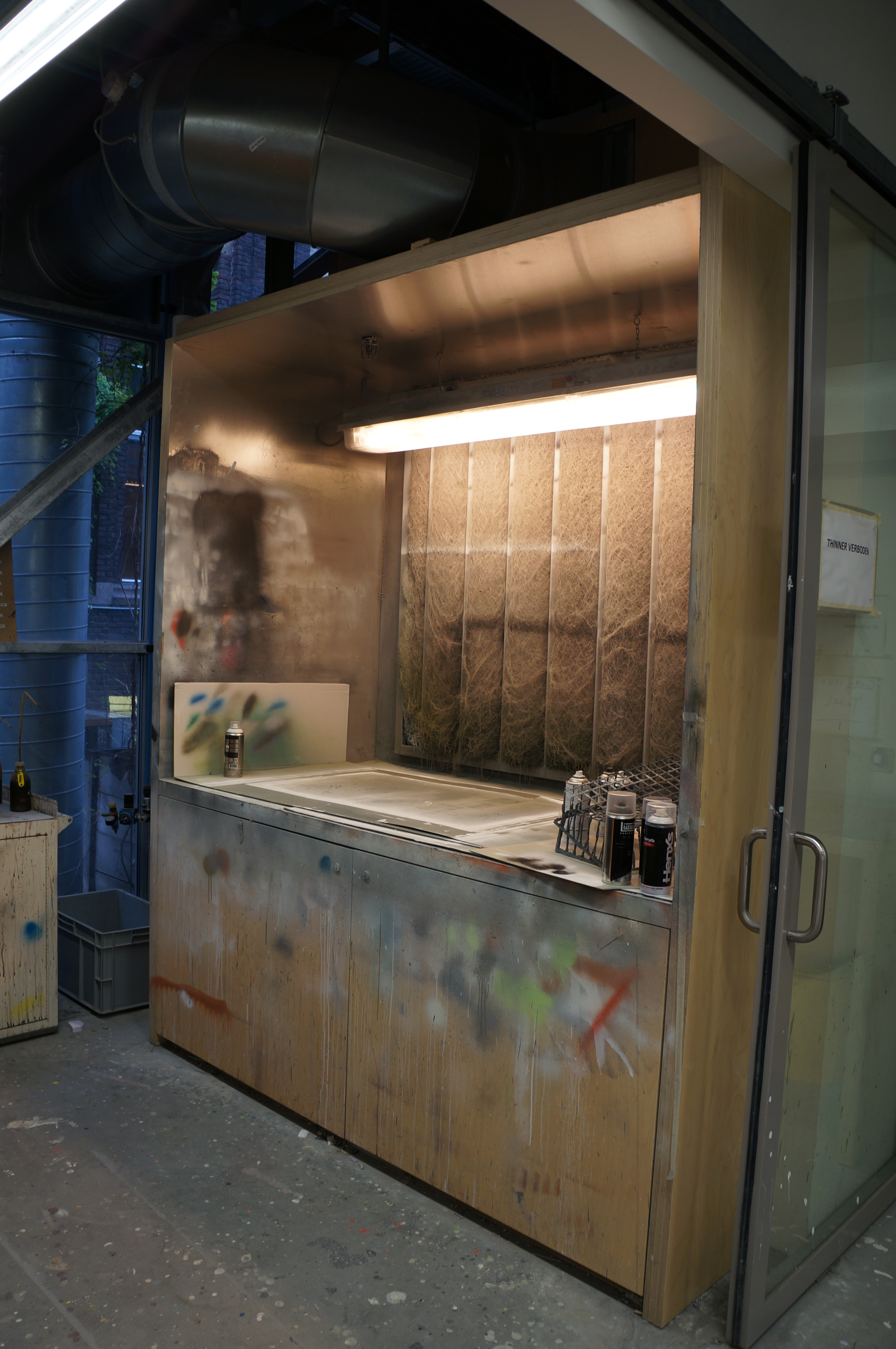
Facilities include: Woodworking Machines, two CNC Routers, Spraying and Casting room, three Laser cutters, Powder Printer and an ABS Printer. Interestingly Hand tools are provided only on exchange of a students Driving Licence or Passport as deposit.

TU Delft (73)TU Delft (64)

Student Survey

All MSA students should have now received notification via email or Moodle that we are conducting a survey about our workshop facilities and services. Every response we get is valued and taken into consideration so please take the time to give us your opinions about what works and doesn’t with the B.15 Workshop.

The feedback from this survey will help us plan for future investments in equipment and our overall role within the school.

Many Thanks, Scott and Jim

B.15:45 Extended Interview with Eamonn Canniffe

As part of our B.15:45 Exhibition we put together a short film telling the story of how modelmaking is used in the life of an architecture student and beyond. The full versions of the interviews tell many more interesting stories of modelmaking with individual case studies and memories accounted first hand by staff past and present.

In this first extended interview with MSA Principal Lecturer Eamonn Canniffe we hear about how history models have been used as precedent examples and tools in understanding space as well as thoughts on the introduction of digital tools to the school over the past 30 years.

Modelmaker Profile: Janis Strazdins and Lelde Strazdina, Maquettica, Riga

_1040915_xs

We were recently visited by the two Modelmakers from a company called Maquettica based in Riga, Latvia. Janis Strazdins, CEO and Lelde Strazdiņa senior Modelmaker at the company have recently travelled across the UK researching the commercial role of Architectural Modelmaking. As part of their trip they stopped by to view our exhibition and we gave them a tour of our facility.

DSCF0008_xs

As we are always interested to understand how others work in the field of modelmaking we asked them to tell us their story.

As modelmakers we came intuitively.Janis made his first architectural model already at the age of 14, it was his parents house at country side and he did it just for fun.

 We both have an architectural education, but in Latvia there are no special programs or
studies for architectural modelmaking. At the university here the architectural models are just a need which you add to your project. 
We spent much more time than other students on model making because we enjoyed the process a lot and gradually we started to be more and more interested in this speciality.

fd1e68feb3a8987ae307370871769ff5

_1090424_xs

Logically we got our first orders, sometimes from other students, and very quickly our activity turned professional. Since then we still grow and develop our studio by digging and searching for the most appropriate materials, tools and equipment which allows us to work creatively, accurately and in high quality.

_1060827_xs

Our main occupation is realistic architectural models for marketing and presentation purposes and product prototype making, but unfortunately in our country the market is too small to survive only as modelmaking studio so we have added some more products and services that we are able to make with the equipment that we have for modelmaking.

We separated those other products from architectural models and put them all to ‘Ouzel‘, a branch off company.

_1020887_xs _1050875_xs

Ouzel is our idea visualization studio which provides design objects, museum exposition and unique interior elements, such as decorations, furniture elements, lighting objects, etc.

Generally our clients are real estate developers, architects, also architecture students and individuals.In some cases museums, specific companies (for example factories or adventure parks).

_MG_8303_xs

Architects usually need the models for presentation, usually when they participate in competitions. Real estate developers use very realistic scale models as a marketing instrument. They are made very precisely from technical drawings.Adventure parks, they also need realistic models, but the main purpose is to make them attractive.To receive all necessary information for model making we have created on-line inquiry form on our website, but mainly for a proposal it is enough to have territory plan, building plan, facades and some visualizations.

DSCF8796_xs_1100033_xs


DSC_0024_xs

The B.15:45 exhibition we visited is one step closer to explaining to society why modelmaking is worth the effort and also what it takes (a lot of time, patience, enthusiasm, spatial and constructive perception, knowledges, materials, equipment, ..) to make an architectural model that works.

Your workshop is Latvian architecture students dream to have at University. The variety of materials, tools, equipment and possibility to ask enthusiastic professors for advice – these opportunities allow a student to work at their project more creatively, confidentlyand whilst having more fun. A student’s activity in the workshop lets them feel the physical interaction – materials, shapes, light, .. which is impossible to get from a computer.

You can find out more about Maquettica on their website here. http://www.maquettica.eu/

Thank you to all who took part and supported Modelmaking in the Digital Age

DSC03933

Just a quick message to everyone who came to speak and helped us make yesterday’s symposium event possible. We thoroughly enjoyed the day and everyone was extremely positive about our approach to modelmaking and it’s future in architecture.

In all we had 90+ registered guests from a variety of backgrounds all with a shared interest of the subject. Thank you for all your support, it means a lot.

The event was full of interesting presentations and discussions that we are hopeful will lead to further expansion and future events orientated around the subject of how we use models in architecture.

B15-45

Syposium Pics (8)

We will be uploading footage of the event for those who missed it in the coming months so stay tuned for those.

DSC03939

Many thanks to all again – we can’t thank you enough!

Scott and Jim

Pangaea Stage Set for Manchester Academy by Peter Lee

Towards the end of the first semester 5th Year Student Peter Lee was approached by The University of Manchester to design and make a large scale set piece for the student run festival, Pangaea. The event was held at the Manchester Academy and runs across many venues in Manchester. Pete described the project for us:

 ‘The event’s theme was ‘Space Odyssey’ so designed a ‘wormhole’ with an elevated DJ booth as a focal point in the centre. Throughout the project I was working closely with Academy staff as the design had to both be both the right size for the room and mountable on the existing lighting rigs on the stage. 
For ease of fabrication decided to use 12 identical interlocking triangle frames to create a portal, which sits in front of an aluminium circle truss with fabric panels to give the appearance of depth. The design was also created in coordination with a projectionist, who required a scale model for testing visuals on. By mocking up the design physically at 1:10 it gave me a really good idea of the structural issues faced by hanging a 4m wooden portal and helped me to design a bracing system’

Pete Lee (2)The model was made using components that would eventually come to life as large scale versions looking virtually identical. A wooden frame was used to support a focal hub and fabric was then stretched to the back of the segmented aperture-like ring at the front of the piece.Pete Lee (5)Once the design has received approval for full size production Peter went about turning the concept model into a full scale design. The triangular sections were each cut out using the larger CNC cutter at MMU before being transported across to B.15 for additional pieces to be added.

Peter describes his reasoning for using CNC cut components for the full scale prop:

‘For the 1:1 build I found the CNC machine a really useful tool as it would have been nearly impossible to replicate twelve identical panels by hand – absolute precision was really important throughout the process as the projection maps only had a few cm tolerance for error. Although the digital methods I used were really basic (Sketchup) it was incredibly useful for working out the angles for the panel structure. 
Another really important part of the project was getting logistics spot on – was quite limited for time due to university commitments so efficient use of workshop time was crucial and greatly aided by digital design tools. The panels were prefabricated over a month before the event, which meant the assembly was pretty straightforward.

Due to the obvious weight difference in the full size version of the prop each component had to be well built to avoid any accidents. Each triangular section was reinforced with pine timber baton which was glued and screwed into place.

IMG_9988 IMG_9989

‘Good communication with other parties was also key as the success of the project was highly dependent on fittings in the Academy and the synchronisation with projections. Resolving issues far in advance meant the on-site build and event itself ran smoothly.’.

IMG_0143In place at the venue, the stage prop served as the focal point for the nights performers and was lit by constantly changing projections and light displays. The image below shows the piece on stage before the event began. The image below show the finished piece during the live event.10887278_461189607366949_5284888234544424655_o 10955797_461189257366984_3543354359810081653_o 1606453_461189224033654_1058877598167468098_oComparing Peter’s prototype to the completed piece shows very little structural difference and is yet another example of how a test model can serve to prove a design idea. Both the development and final versions of the project will make great additions to Peter’s portfolio with the two conveying his design thought and testing processes to a potential client or employer. You can see more of his work here.

Amalgam Modelmakers ‘The Architectural Model: Exploring Scale and Vision’ Exhibition at The Architecture Centre, Bristol

Amalgam Exhibition (29)Amalgam Modelmakers are a Bristol based professional modelmaking company. Their work covers a huge selection of making areas and more likely than not you have seen some of it on screen or in media across the country. Amongst Amalgam’s departments is of course, Architectural Modelmaking which has become the focus of their 30th anniversary exhibition currently being held at The Architecture Centre in Bristol.

Amalgam Exhibition (22)

‘The Architectural Model: Exploring Scale and Vision’ looks at the process of their Modelmaking from commissioning to finishing and delivery to a client.
We were fortunate to be able to visit the exhibition as it opened with a guided tour from Amalgam’s head of Architectural Modelmaking, James Smith who will be presenting for us at our upcoming symposium event in March.

The exhibition gives a window into how skilled Modelmakers go about completing their role. It is always difficult to effectively demonstrate this process in it’s entirety as much of the skill is down to the individuals tasked with each project.

Amalgam Exhibition (27)

Amalgam Exhibition (19) Amalgam Exhibition (20)

With that in mind the exhibition narrative defines the stages of production. It provides us with project samples, descriptions of the various stages of the process and video interviews with project managers and Modelmakers from Amalgam’s well equipped workshop.
There are an array of model types, materials and processes on display giving a glimpse of this fantastic 30 year portfolio that continues to grow.

Amalgam Exhibition (10)

Amalgam Exhibition (26) Amalgam Exhibition (24)

Amalgam Exhibition (25)

Highly recommend anyone with an interest in Architecture, Modelmaking or a creative career in the arts to take a look and be inspired.

Scott and Jim